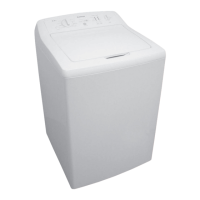
The On/Off switch is located at the back of the control panel
on the LH side above the rating plate.
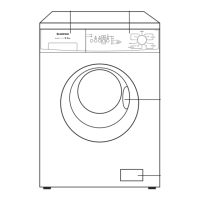
iiSimpson Control panel
ON - OFF Switch
3 Modify Option Buttons
7 Digital Display
2 Option Select Buttons
6 Delay - End Buttons
Selects the delay start program see page 11.
Selects the reduce washing time see page 10.
1 Program Selector
Selects the wash program see page 7.
Selects the wash Temperature or Spin Speed
or Soak Time or Rinse Type see page 9 - 10.
This button is using for modify an option
that you choose.
5 Save Favourite Button
Selects the save favourite program see
page 10.
4 Reduce Time Button
8 Start/Hold To Pause
Starts the wash program see page 11.
CONTROL PANEL
2
3
6
5
7
2
3
4
1
8



 To Next Page