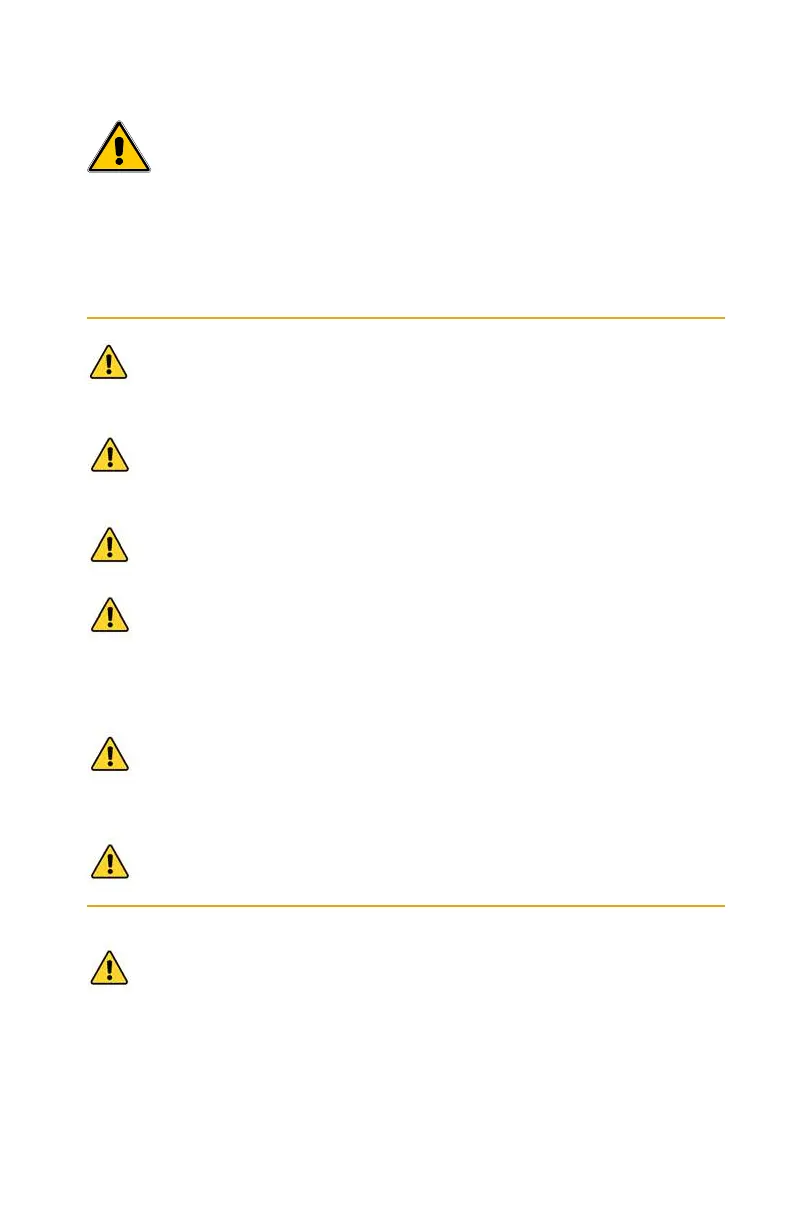
Health & safety
Membrane Solutions
®
products are designed with safety in mind.
However, personnel using this device must be familiar with any potential
dangers. All safety information detailed in this handbook should be
reviewed before installing and operating this air puri�ier.
This product is not a toy; children must be supervised when
using the device. Keep packing materials out of children's reach.
The system has been designed for indoor use only. Install the air
puri�ier out of direct sunlight on a �lat, level dry, and secure
surface with average ambient room temperature.
Do not touch the power plug with wet hands. Do not use if plug
and/or power cord is damaged or the product is not working.
Do not use the device in a place with heavy moisture or smoke.
Please keep the device away from �lammable gas appliances
such as heaters or �ireplaces.
Clean the devi
ce and remove any dust from the power plug
regularly. Unplug the unit when cleaning, do not use strong
corrosive detergents of chemicals as they may damage the
surface of the device.
Do not obstruct the air inlets or outlets on the device. Do not
wash or reuse the composite �ilter – Replace it with a new �ilter.
Warnings! and Cautions! are provided; Failing to observe
these instructions could result in damage to the equipment,
associated parts, surroundings, or personal injury.
Troubleshooting Guide
Problem Possible Solution
6
The �ilter indicator
light is on
The air �ilter is 100% exhausted and
requires replacement (see page 9)
7
Only the sleep
indicator light is
on, yet the puri�ier
is still operating.
The air puri�ier is in sleep mode, push the
fan speed button to change the operating
mode, indicator lights will turn on again.
8
If your problem is
not listed
Please contact Membrane Solutions
Customer Service
®
3 12


 To Next Page