Filter Replacement
Step 1
Press the power button to turn the air
puri�ier off, unplug the power cord from
the electrical outlet.
Remove the rear cover of the air puri�ier
and remove the exhausted composite �ilter
element.
Step 2
Clean out any remaining dust, dirt, or lint
inside the puri�ier using a vacuum hose or
dry cloth.
DO NOT use water or liquids to clean the
puri�ier.
Step 3
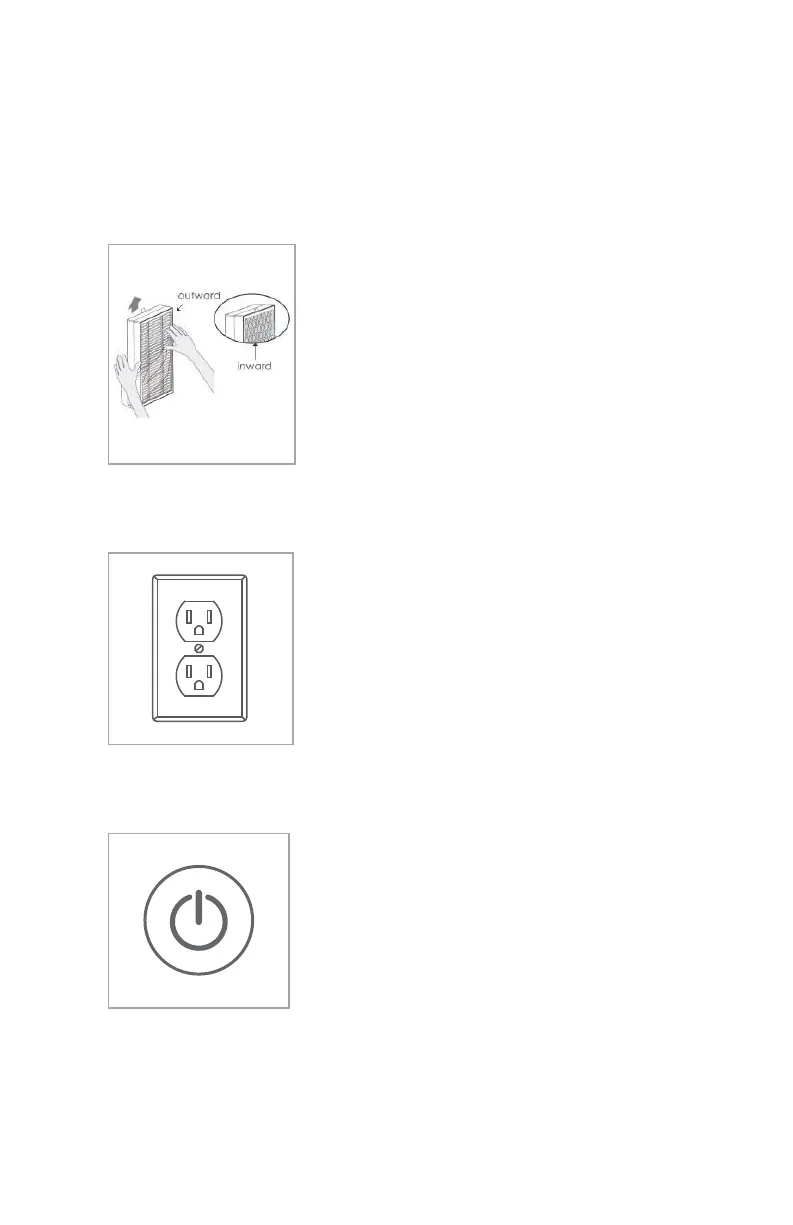
Remove any packing from the new �ilter
element and take notice of the inward and
outward sides of the �ilter element.
Refer to the new �ilter instructions for the
direction of air�low.
Commissioning the system
Step 1
Before using the air puri�ier for the �irst
time, open the rear cover and remove the
composite �ilter. Make sure to remove any
packaging from the �ilter element, or the
product will not function correctly.
Step 2
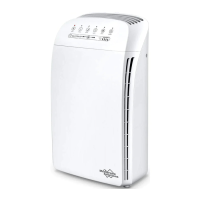
Plug the air puri�ier power plug into an
electrical outlet
The puri�ier should now be in standby
mode
Step 3
Push the power button once to turn the air
puri�ier on
The puri�ier should now be in operating
mode
9
6


 To Next Page