4
No. Name Explanation
11 Printer frontal
indication
Indicates the front of the printout.
12 Filament
information
indicator
Shows information on filaments inside the printer. Easily informs user of filament
material, color and remaining quantity.
13 Settings button Settings for values necessary for slicing.
14 Import button
(LOAD)
Loads printable 3D data into program.
1.2 Functions and Information
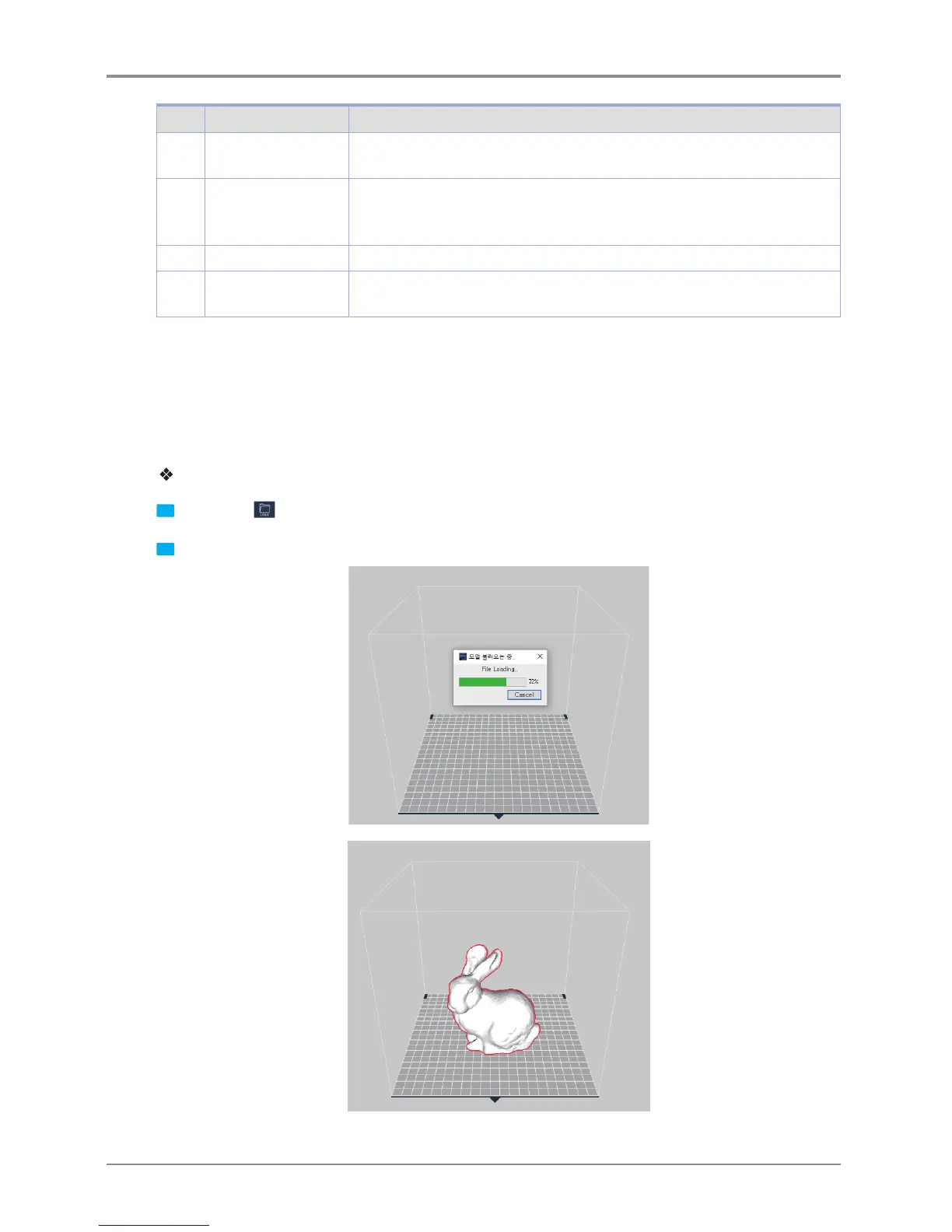
Loading
Loads a printable 3D model and displays it on the screen.
Currently supported file formats are ply, obj, stl (binary, ascii)
Detailed description
1
Click on the
Import button located left of screen.
2 After selecting file, 3D model file is displayed as if it’s on the printer bed.



 To Next Page