8
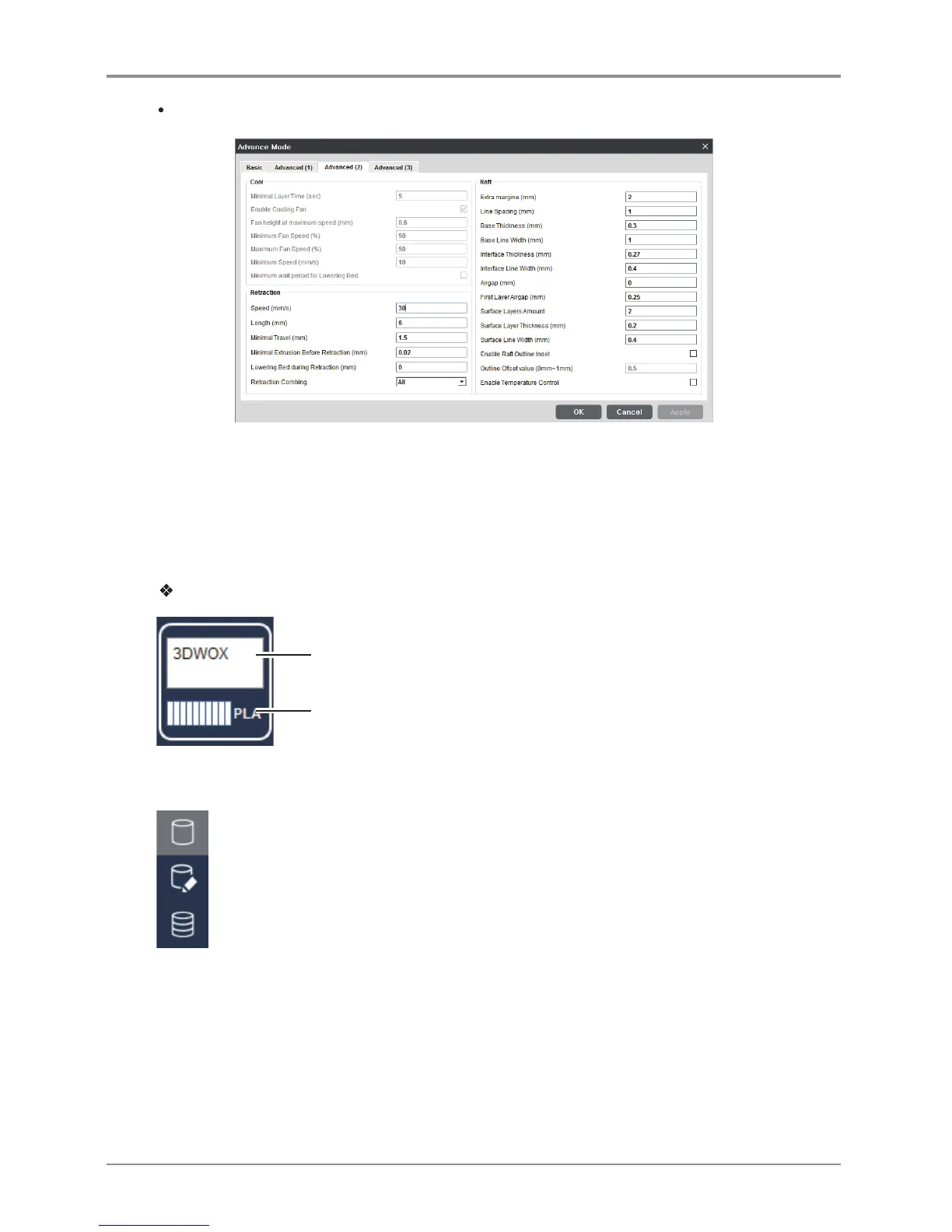
Advanced(2)
-
The Printer controls the cooling settings automatically.
Besides the changes above, other settings screens would be the same as DP200’s.
Filament Information Indicator
Printer automatically reads condition of filament in printer and displays on screen.
Detail description
Current default printer name
Current quantity, condition and remaining material of filament inside the printer
View Mode Selection Button
Top right hand side of the viewer you will see buttons as shown on the left. Clicking button on
screen will display 3 types of view modes to be selected.(From the top, Normal Viewer, support edit
view, Layer view button) Once selected, the selected view type is highlighted for the user.



 To Next Page