3.2.5 Stop charging screen
1
) During the charging session, use RFID CARD
,
password and operator APP can stop charging.
Whenfully charged, the EVSE will automatically stop charging. In an emergency, it is able to cut off the
powerby pressing the emergency stop button.
2
) When the charging cycle is completed, the display as shown in the figure below.
3
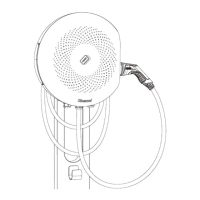
) When charging completed, lights on the enclosure turn from blue to dark. The user can pull-off the
connector and wrap it around the enclosure or put it back on the hunger.


 To Next Page