4 S0100 / S0105 104 73 97-26
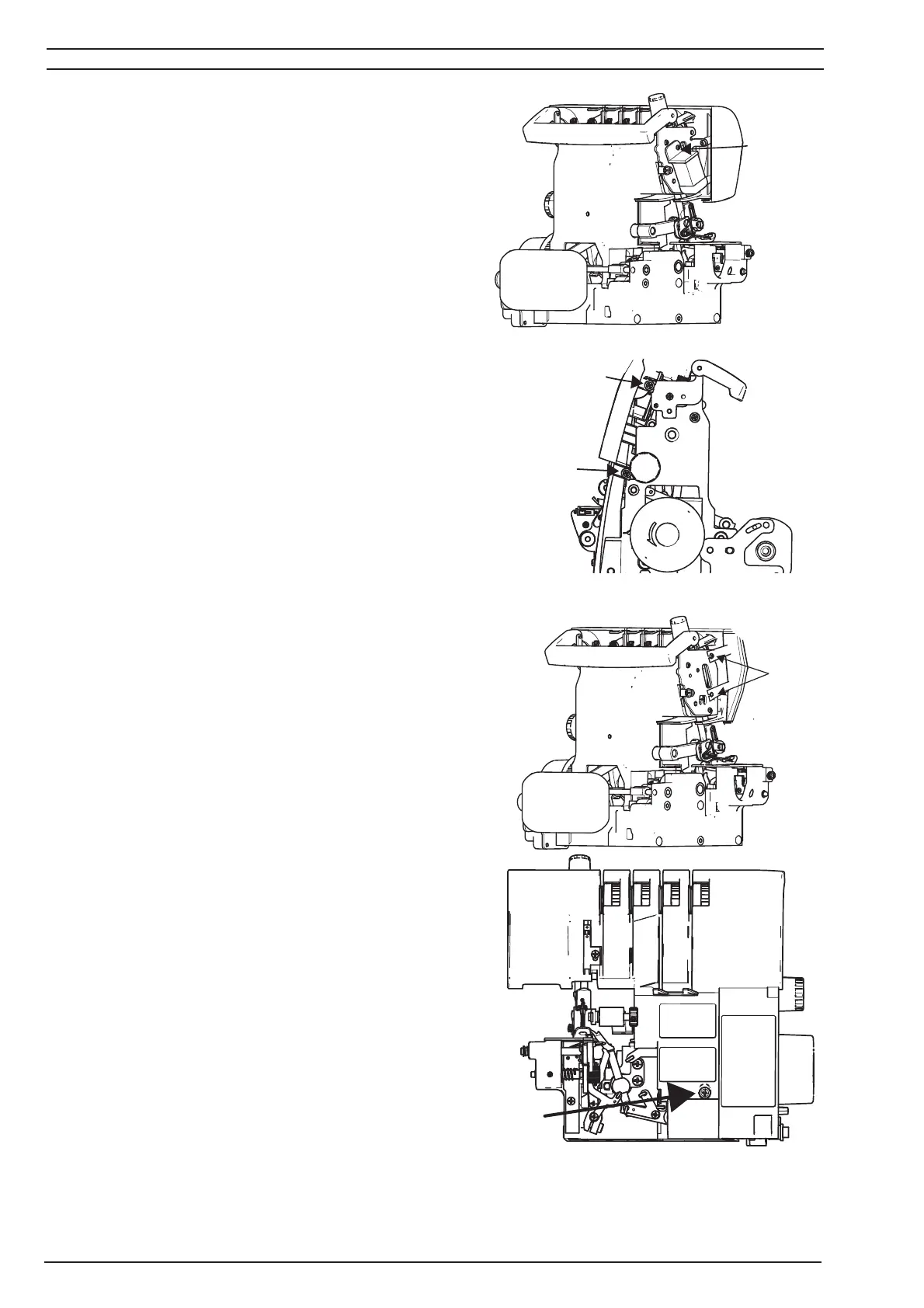
11. Remove the screw (G) that holds the LED-
light.
Disconnect LED-light and remove it.
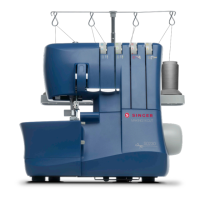
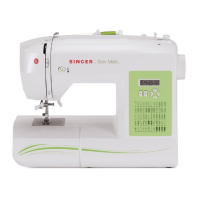
12. Loosen the four screws (H) on the left and right
side.
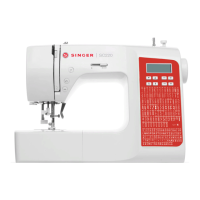
13. Remove the screw (I) located under the looper
cover.
14.Remove the front cover.
N
H
H
G
H



 To Next Page