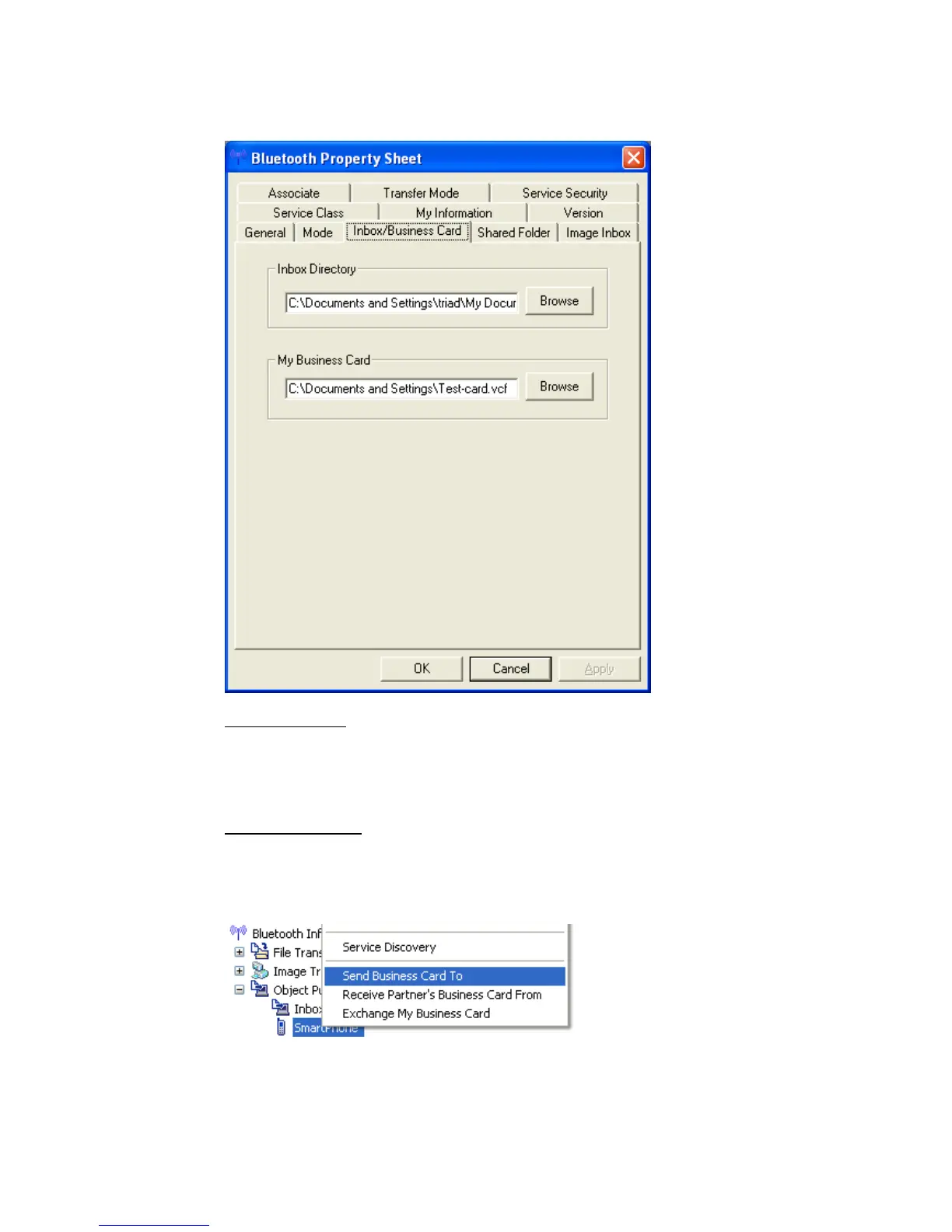
• “Inbox/Business Card” offers a choice:
Inbox Directory:
Sets the location on the hard drive of Inbox” folder (where incoming
business cards are saved).
Click the [Browse] button to open Browse folders” window. Specify the
directory where you would like Inbox” to reside, and click the [OK] button.
My Business Card:
Sets the location where you save your personal business card containing
your personal details.
Click the [Browse] button to open Browse folders” window.
The business card specified will be transferred, as shown below.
Copyright © 2005 Toshiba Corporation
All rights reserved



 To Next Page