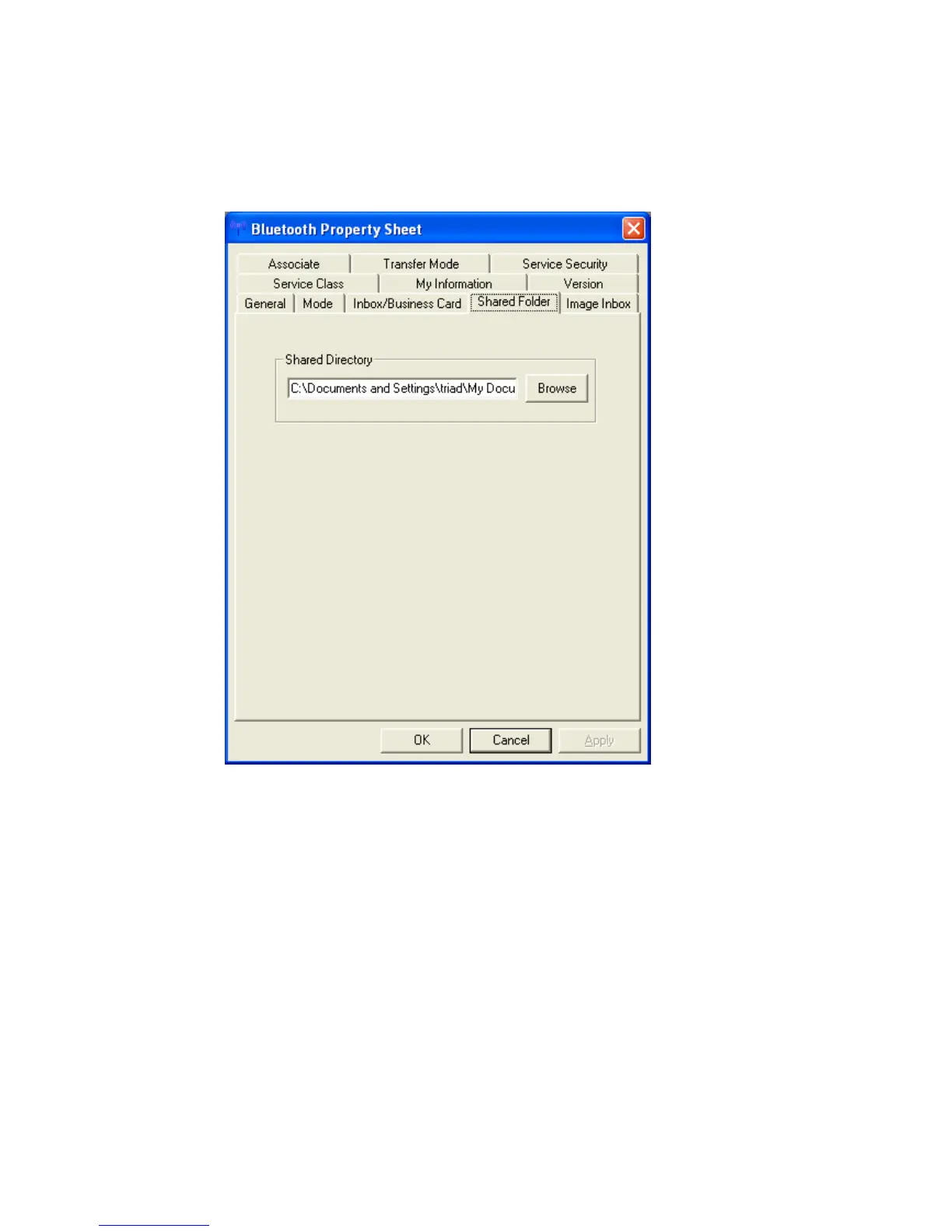
• In “Shared Folder” you can set the location on the hard drive of a shared
folder used when exchanging files with “File transfer”.
Click the [Browse] button to open Browse folders” window. Specify the
directory where you want Shared Folder” to reside, and then click the [OK]
button.
Copyright © 2005 Toshiba Corporation
All rights reserved



 To Next Page