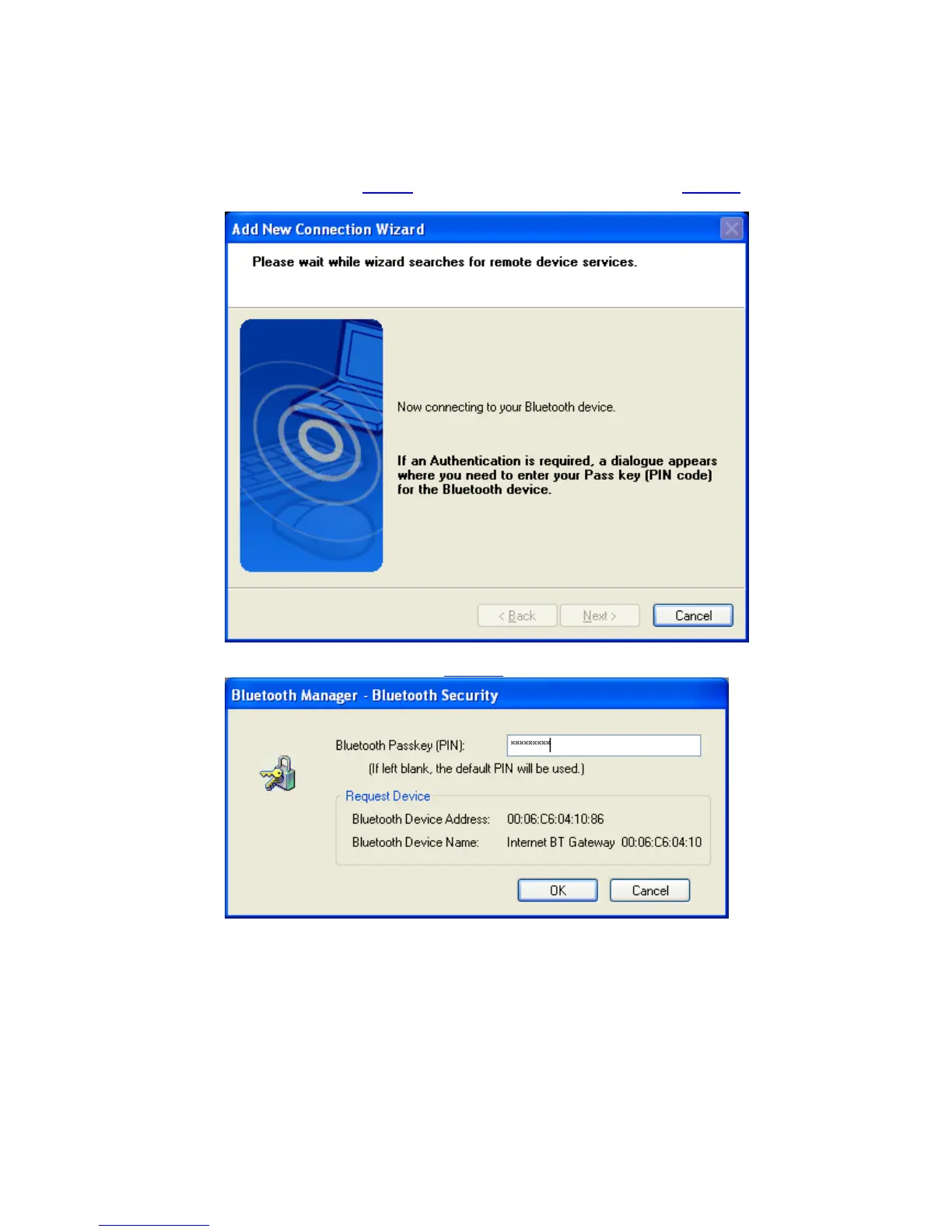
• The Connection wizard decides based on the CoD (Class of Device) which
profile to connect to. If CoD indicates an Access Point the following profiles
will be looked for: PAN->LAP->DUN
Now the availability of the PAN->LAP->DUN will be checked, and if
security is on, the pairing
will be done. You have to know the Passkey of
the Access Point.
You have to enter the proper passkey
, and then click ‘OK’
Copyright © 2005 Toshiba Corporation
All rights reserved



 To Next Page