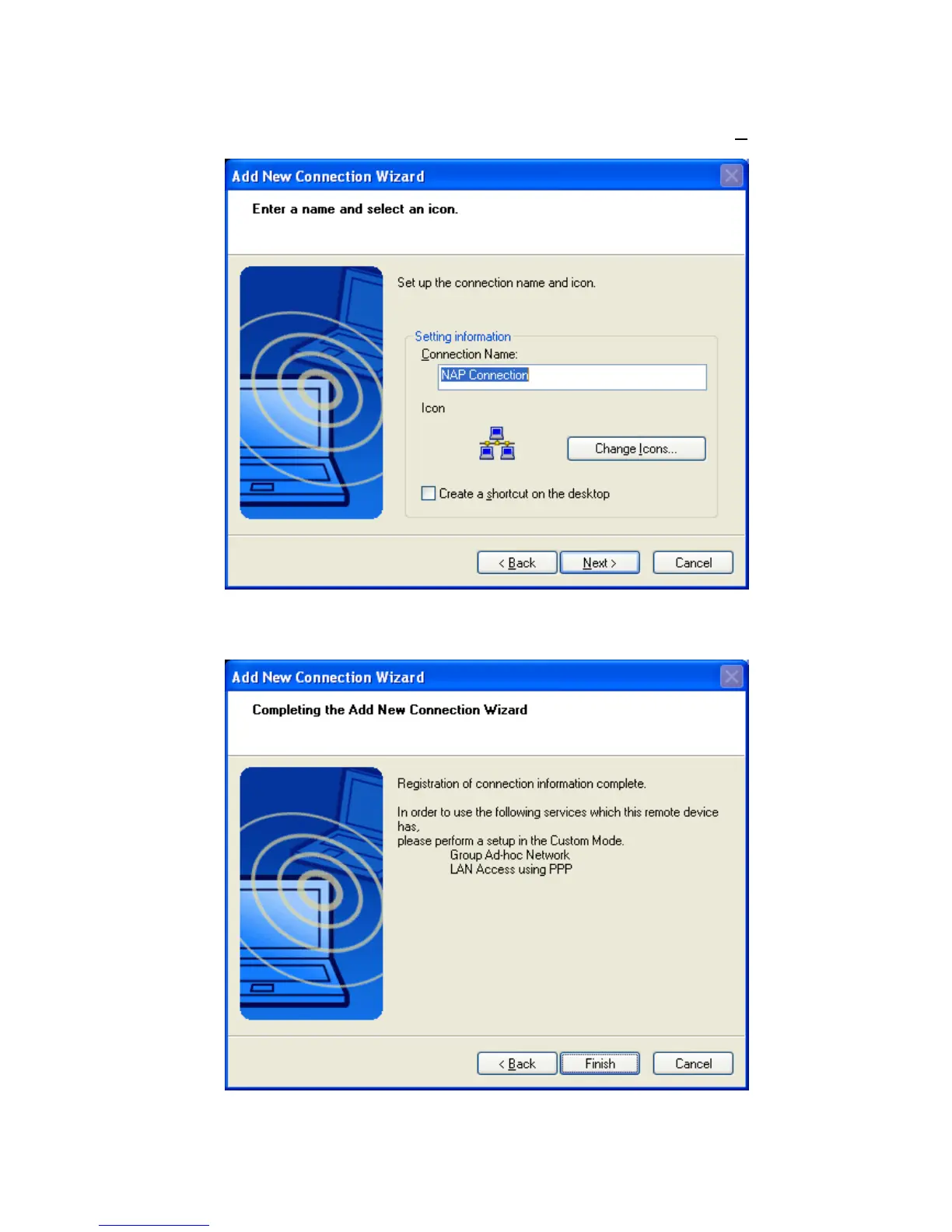
• Here Connection Name” can be edited and a different one can be chosen.
If you are satisfied with the the assignment of name and ICON click ‘N
ext’
to continue.
• Finally you will be informed that the connection registration is completed.
Additional available profiles will be listed, i.e. PAN_GN, LAP
Click ‘Finish’ to close the connection wizard.
Copyright © 2005 Toshiba Corporation
All rights reserved



 To Next Page