6 Navigating the menu
Once the TV Media Player is connected and the (USB) hard disk contains digital media
files it automatically begins searching for supported media. The TV Media Player can
be used while it is still scanning for content. Turn on the TV and direct it to the input
used for the TV Media Player to view the main menu interface. If this is the first time
accessing the interface or if the TV Media Player has just been powered on, the initial
setup will ask you a couple of questions.
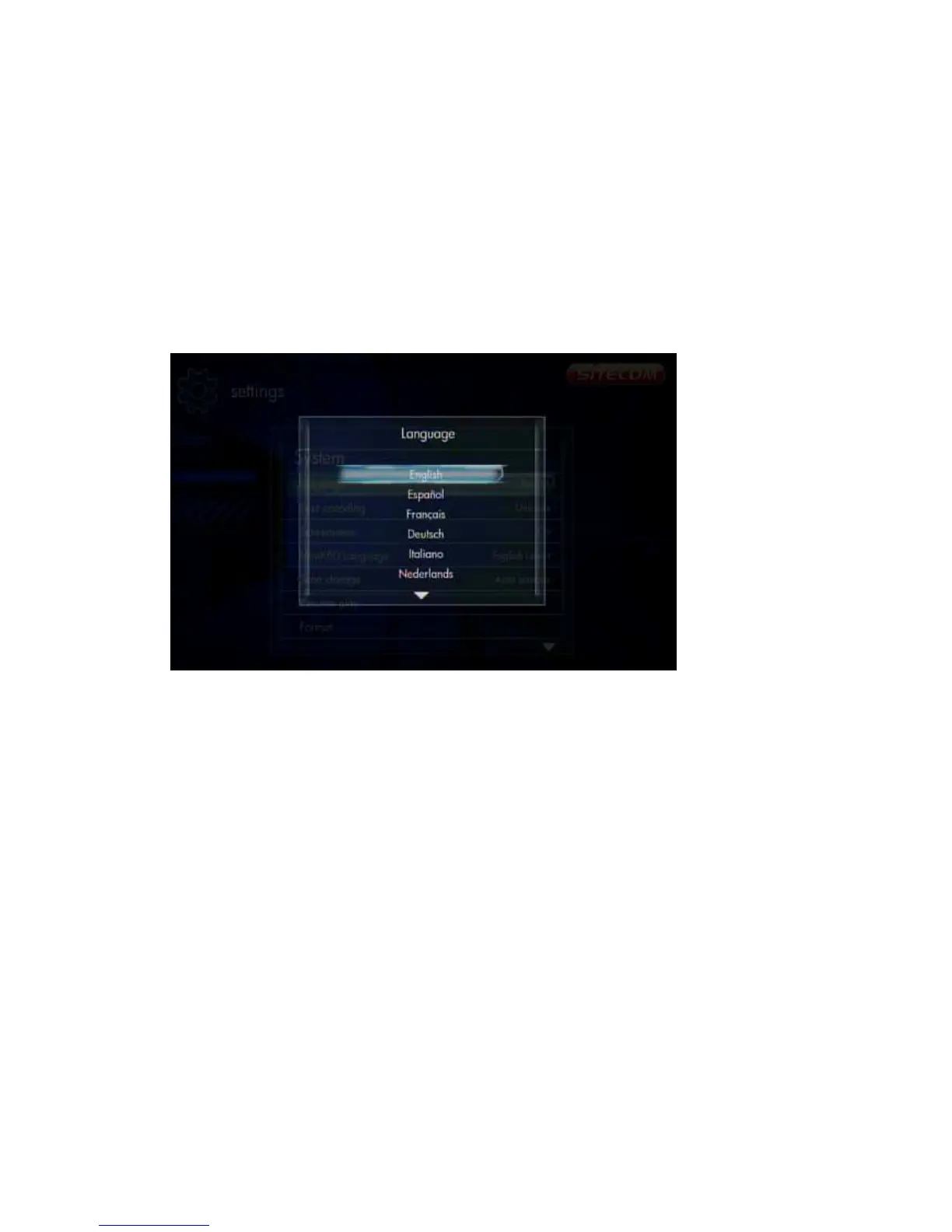
6.1 Menu Language
Initial Setup -> Menu Language
Select from the list of languages.
Use the ‘Up’ and ‘Down’ buttons to select the item, press ‘OK’ to confirm.
6.2 Output Resolution
Initial Setup -> Resolution



 To Next Page