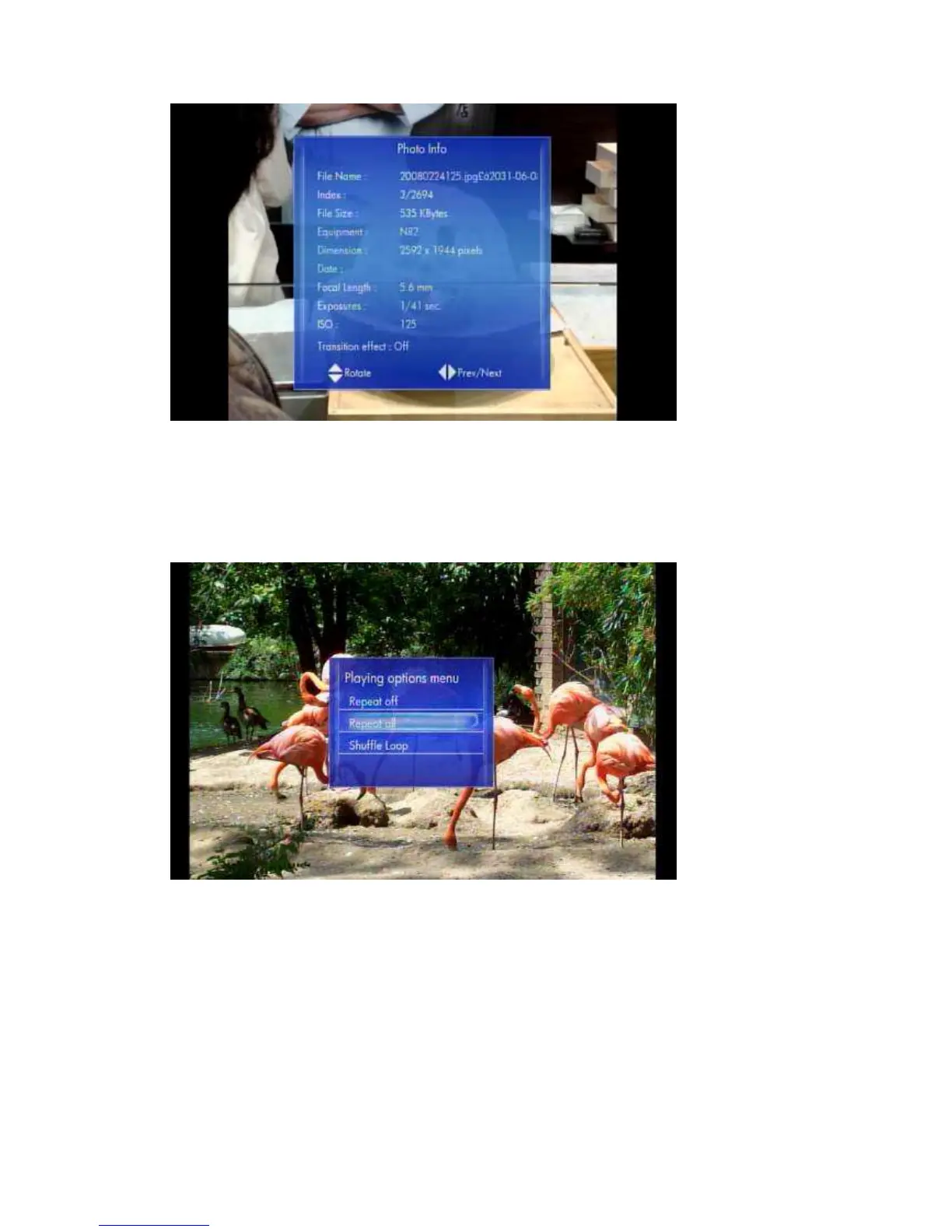
During playback, you can press the ‘Option’ button to change the slide show settings.
You can use the following settings:
Repeat off – To Stop Slide Show.
Repeat all – To show all files in the play list.
Shuffle Loop - Randomly select file in the play list during Slide Show
6.6.2 Browsing Files
Photos -> press ‘Option’ button
Pressing the ‘Option’ button in the Photo browser will pop up the Option window
where you can change the following settings:
Start Slideshow
Slideshow settings
Sorted by Alphabet
Date
My Favorites



 To Next Page