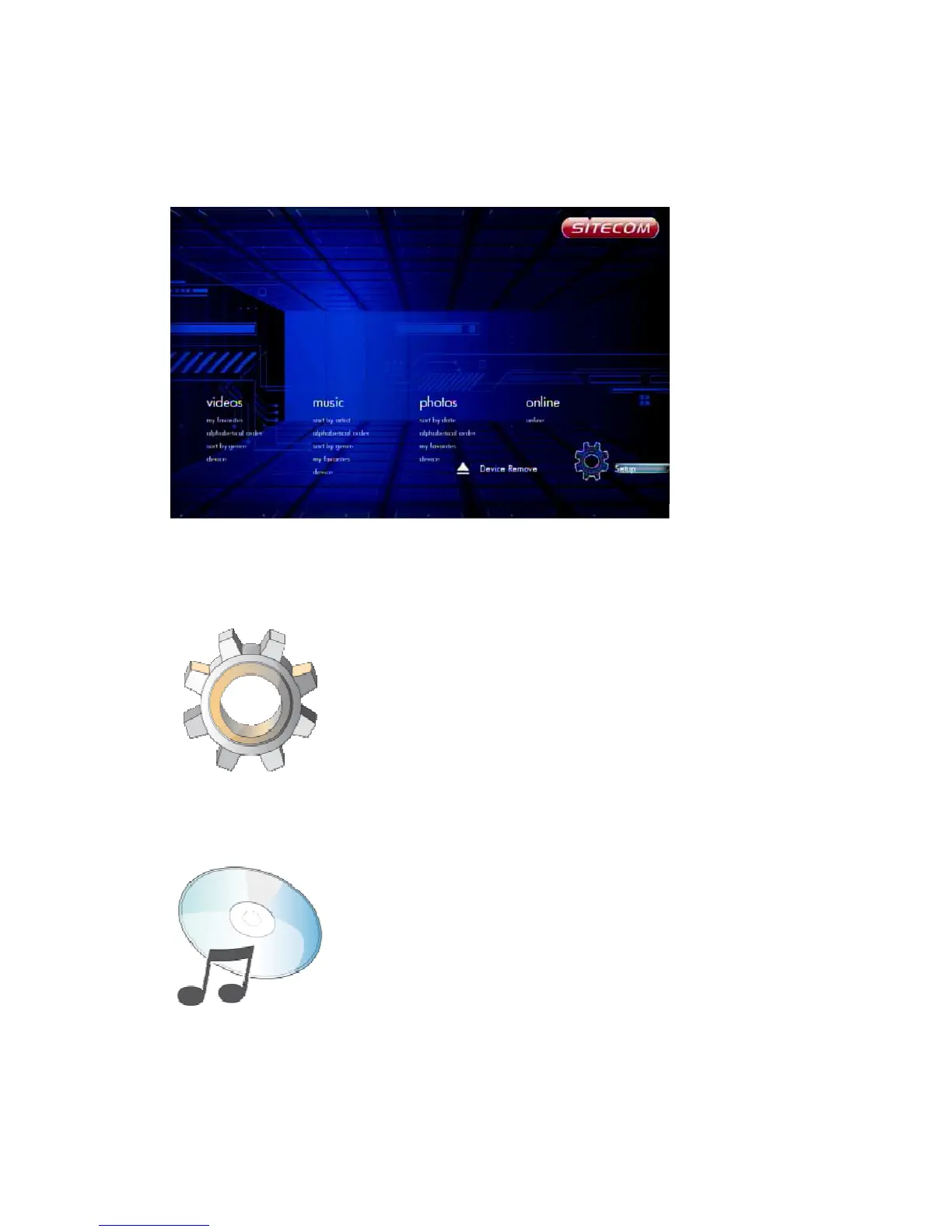
6.3 Home Menu
Every time you start the system, you will see the Home Menu.
At the Home Menu, use the arrow keys ‘Left’ and ‘Right’ buttons to select each item,
to enter the item please press 'OK' button. Each item is described as below.
6.3.1 Setup
To set the system functions such as System, Audio, video, etc.
6.3.2 Music
In the Music menu you can browse through your music files and play them.
6.3.3 Photos



 To Next Page