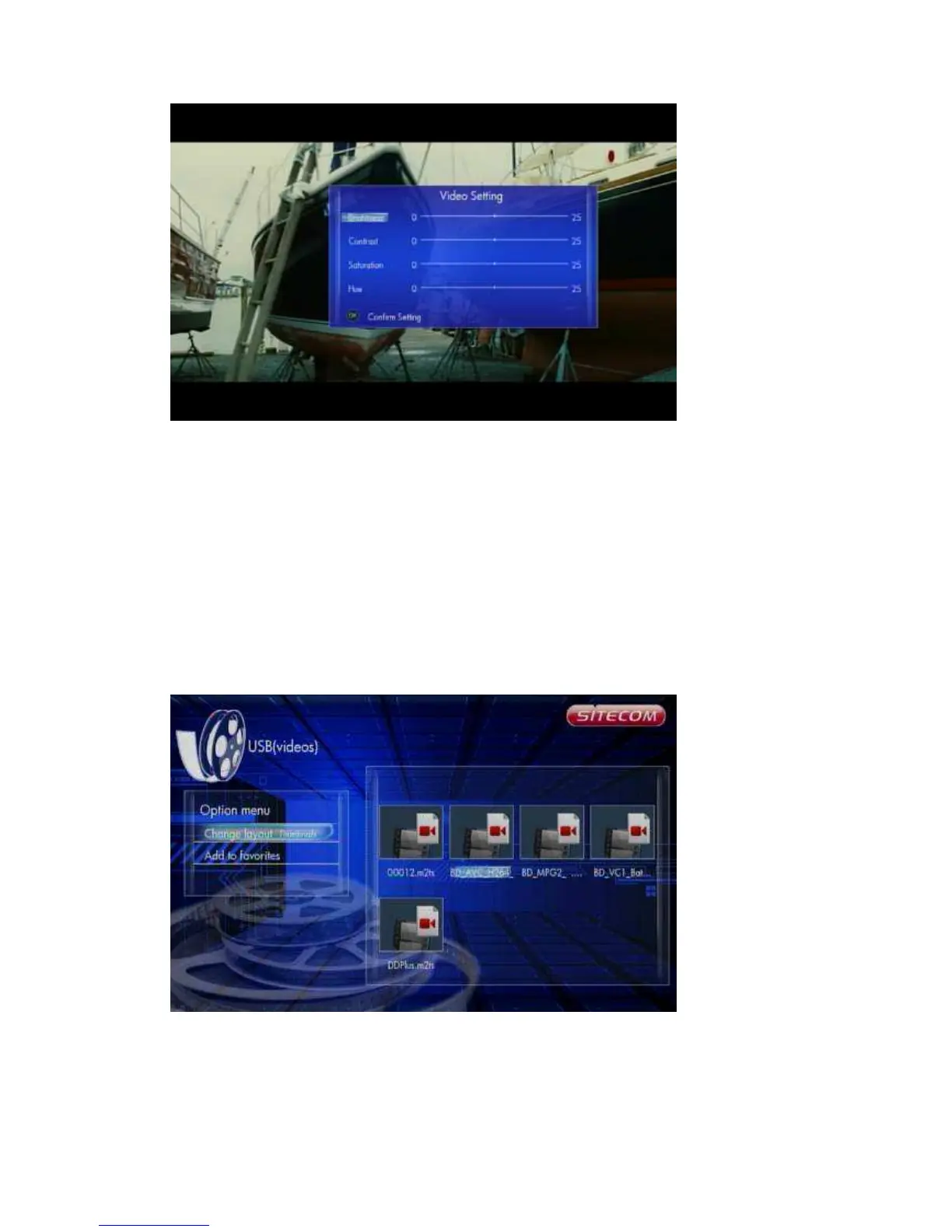
Brightness – Change the brightness level
Contrast – Change the contrast level
Saturation – Change the saturation
Hue – Change the hue
Use the arrow keys ‘Up’ and ‘Down’ to select an item and ‘Left’ and ‘Right to adjust
the value. Press ‘OK’ to resume playback.
6.7.2 Browsing Files
6.7.2.1 Thumbnails
Movies -> Press ‘Option’ button -> Change layout -> Thumbnails
Directory Thumbnail – If there is at least one image file in the directory then the
directory will have a thumbnail which is made from this image file. Otherwise it will
have a normal thumbnail made from the default directory picture.
File Thumbnail – All the photos have their thumbnail made from themselves.



 To Next Page