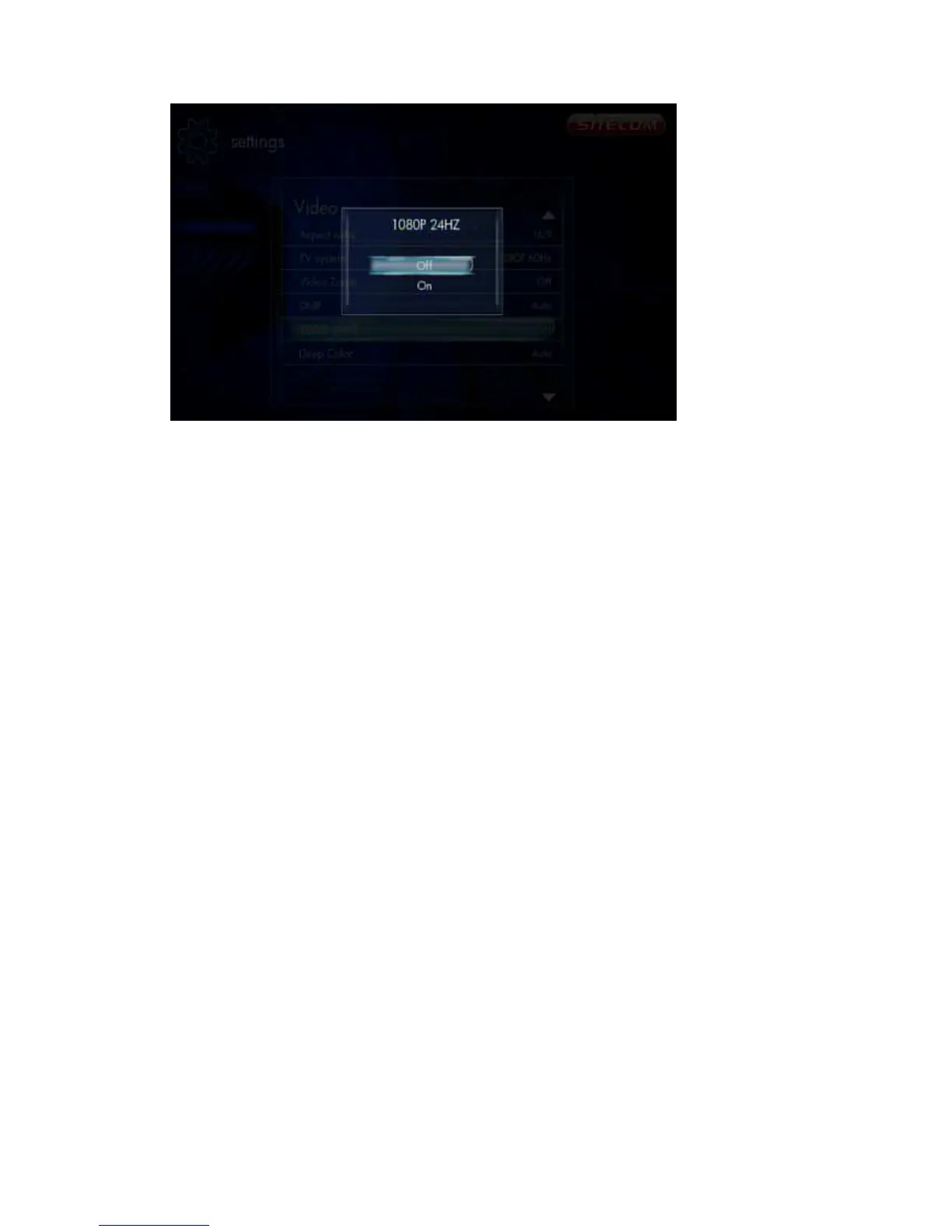
If the TV supports 1080P 24HZ, you can turn on this option.
6.4.4 Network
Settings -> Network
6.4.4.1 Wired LAN Setup
Settings -> Network -> Wired LAN Setup
Set “DHCP IP” or “Fixed IP” for the Ethernet LAN IP configuration of this player.
6.4.4.2 Network Attached Storage
Settings -> Network -> NAS
Switch the NAS function on or off.
6.4.4.3 Network Info
Settings -> Network -> Network Info
Display network information like IP Address, MAC Address and etc.
6.4.5 MISC
Settings -> MISC



 To Next Page