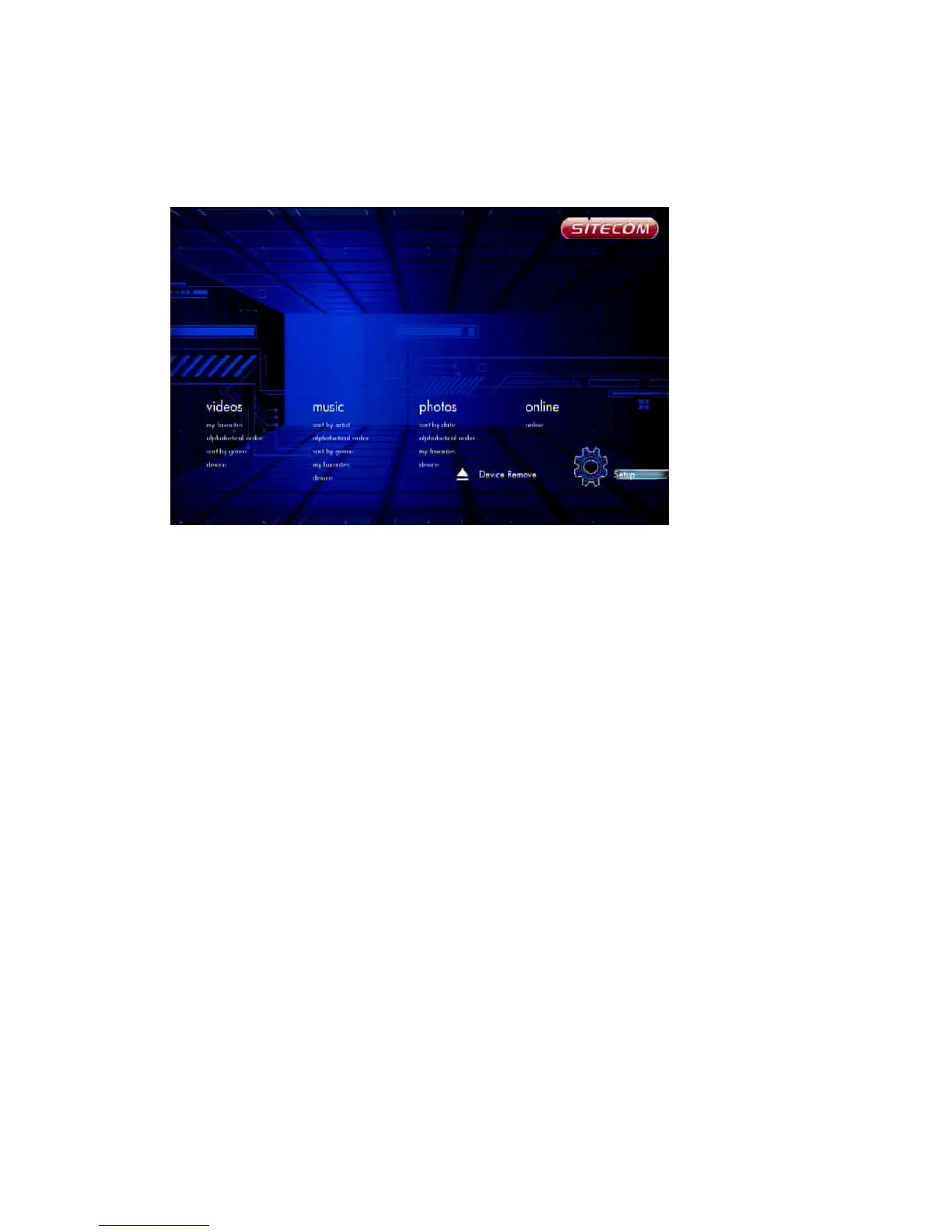
6.7 Movies
In the Movies menu you can browse through your videos and watch them.
6.7.1 Video Player
Movies -> press ‘OK’ or ‘Play’ button
If you want to play the selected video file in full screen, press ‘OK’ button or ‘Play’
button to start the operation. During playback, you can press the following buttons:
‘Left’ to skip back 10 sec.
‘Right’ to jump 10 sec forward.
‘FF’ to fast forward 1.5x, 2x, 4x, 8x, 16x, 32x.
‘FR’ to fast rewind 1x, 1.5x, 2x, 4x, 8x, 16x, 32x.
“Next” to jump to the next chapter in the video.
‘Previous’ to jump to the previous chapter in the video.
‘Zoom’ to zoom in/out 2X, 3X, 4X, 8X
‘Stop’ or ‘Return’ to stop playing.
Press the ‘Info’ button to display information about the video file.



 To Next Page