File Thumbnail – All the photos have their thumbnail made from themselves.
6.6.2.6 List
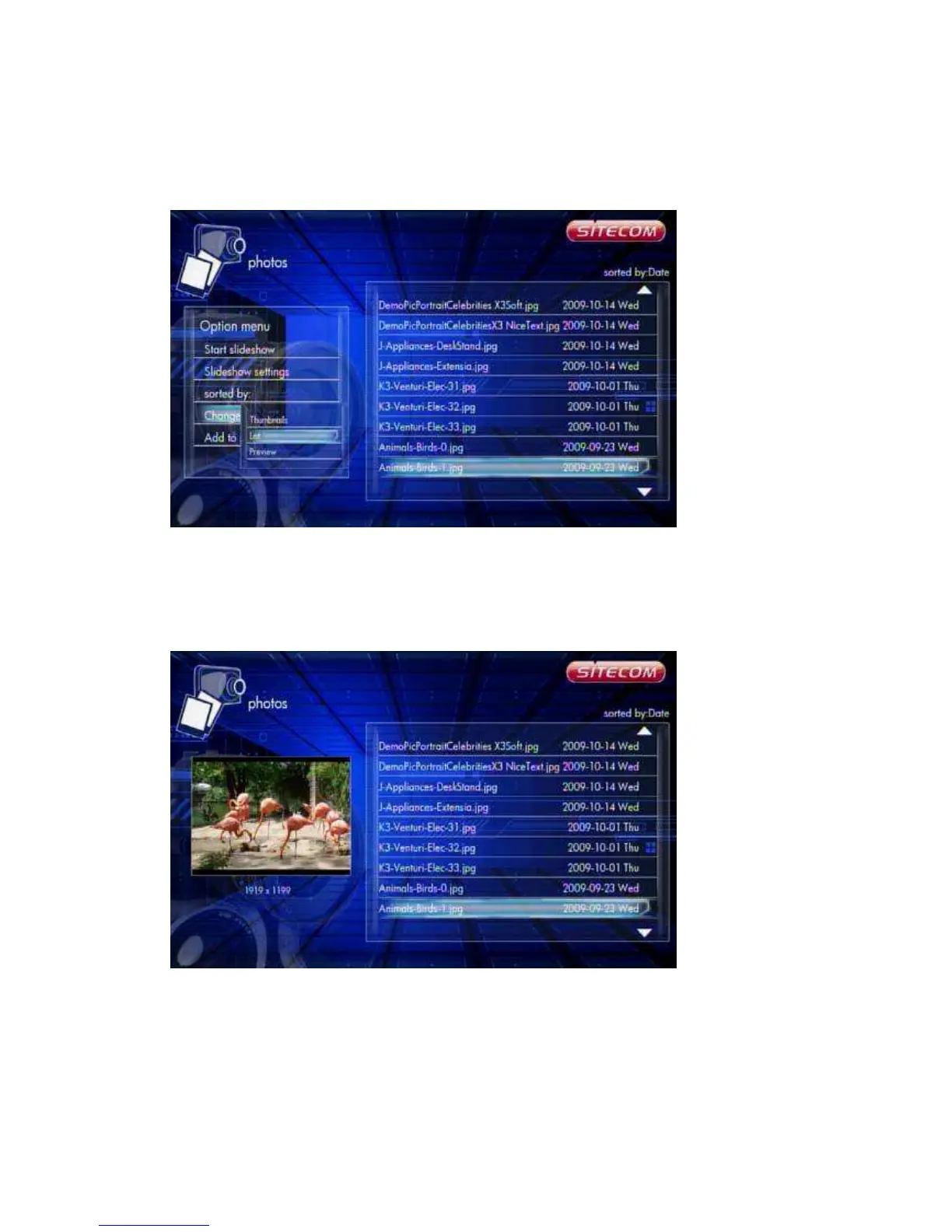
Photos -> Press ‘Option’ button -> Change layout -> List
Photos file browser display files by ‘List’.
6.6.2.7 Preview
Photos -> Press ‘Option’ button -> Change layout -> Preview
Use this option to preview the file information. When you focus on a file, it will show
the information in the preview window on the left.



 To Next Page