Use the ‘Up’ and ‘Down’ buttons to select the audio mode and ‘OK’ button to confirm.
Press ‘Return’ to resume playback.
6.7.1.4 Go to
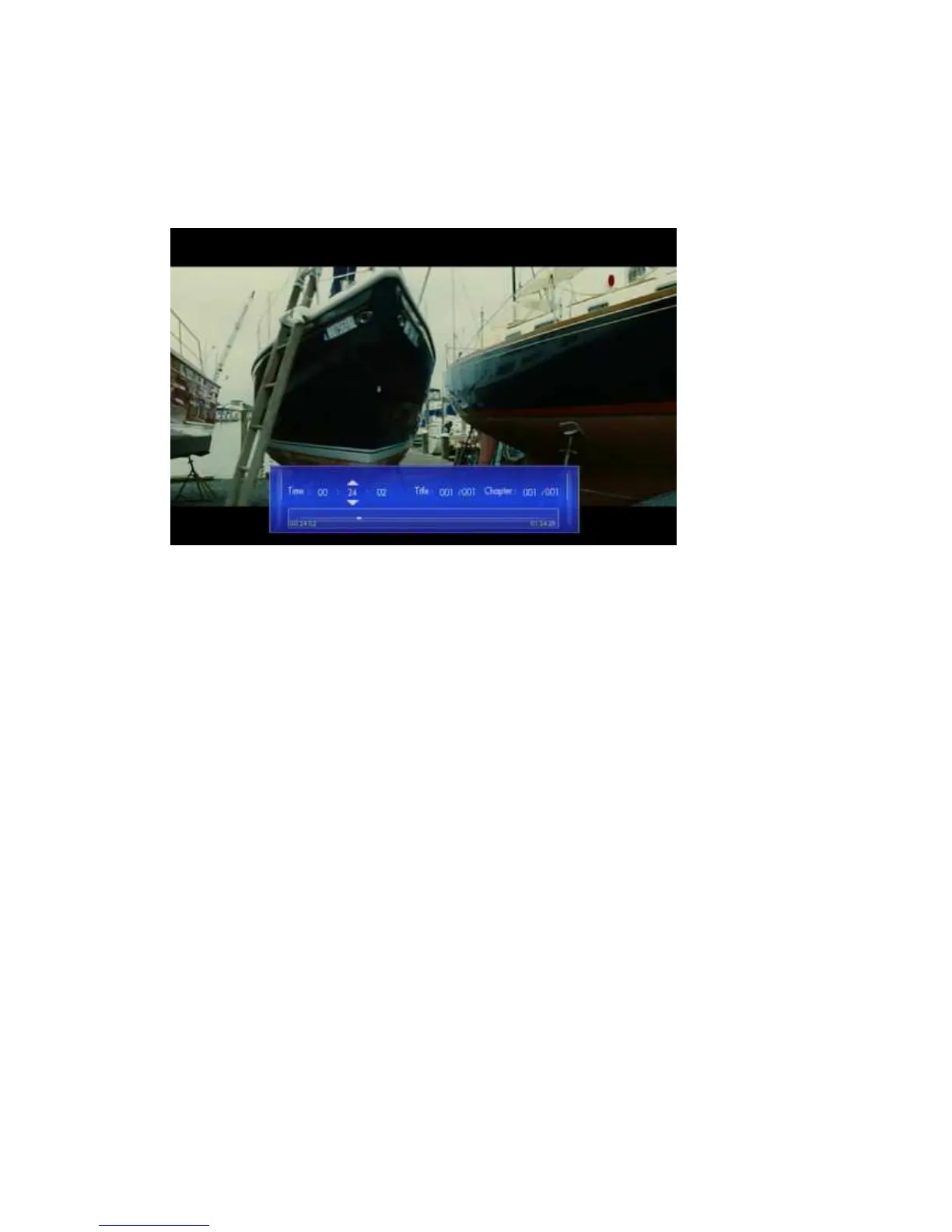
Movies -> Playback -> press ‘Option’ button -> Go to
With this function you can time shift to the location you want.
There are three types of jump mode:
Time : Hour : Min : Sec
Title
Chapter
Use the arrow keys ‘Left’ and ‘Right’ to select an item and ‘Up’ and ‘Down’ to adjust
the value. Press ‘Return’ to resume playback.
6.7.1.5 Video Setting
Movies -> Playback -> press ‘Option’ button -> Video Setting



 To Next Page