1. Click ‘Start’.
2. Click ‘Programs’.
3. Click ‘Windows Media Player ‘.
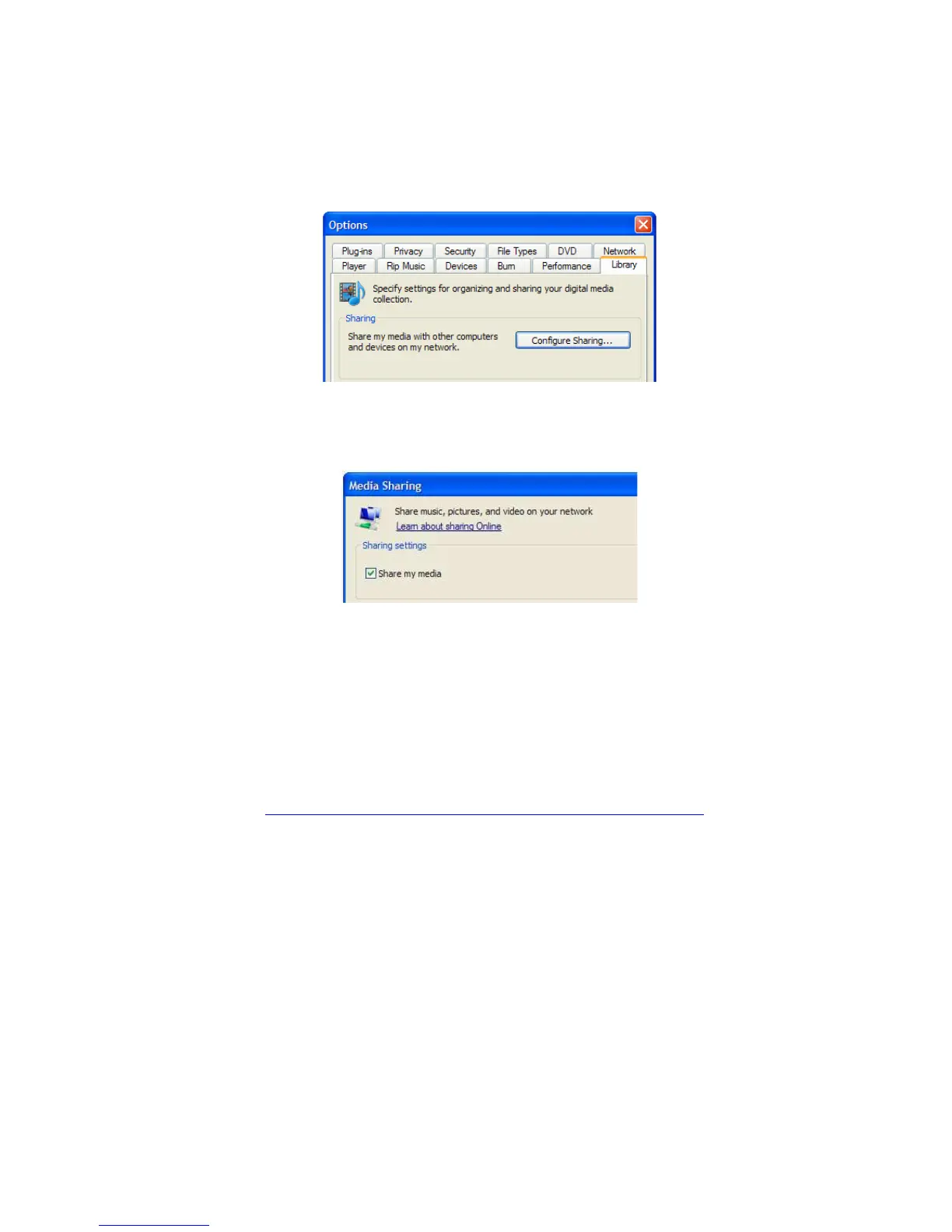
4. Click ‘Tools’, then click ‘Options’. The following screen will be displayed:
5. Go to the ‘Library’ tab in the left upper corner of the options window.
6. Now click ‘Configure sharing…’
7. Check the “Share my media” checkbox and click OK.
8. A list with detected devices will appear within a few seconds.
9. Click the name of your TV Media Player.
10. Click ‘Allow’.
11. Click ‘Ok’.
12. Click ‘Ok’.
13. All files in the media library of Windows Media Player will be shared with your
media player from now on. The media library will be accessible using the remote
control and display of the media player.
Note: Steps above are taken with Windows Media Player 11, available for
download at http://www.microsoft.com/windows/windowsmedia/player/.



 To Next Page