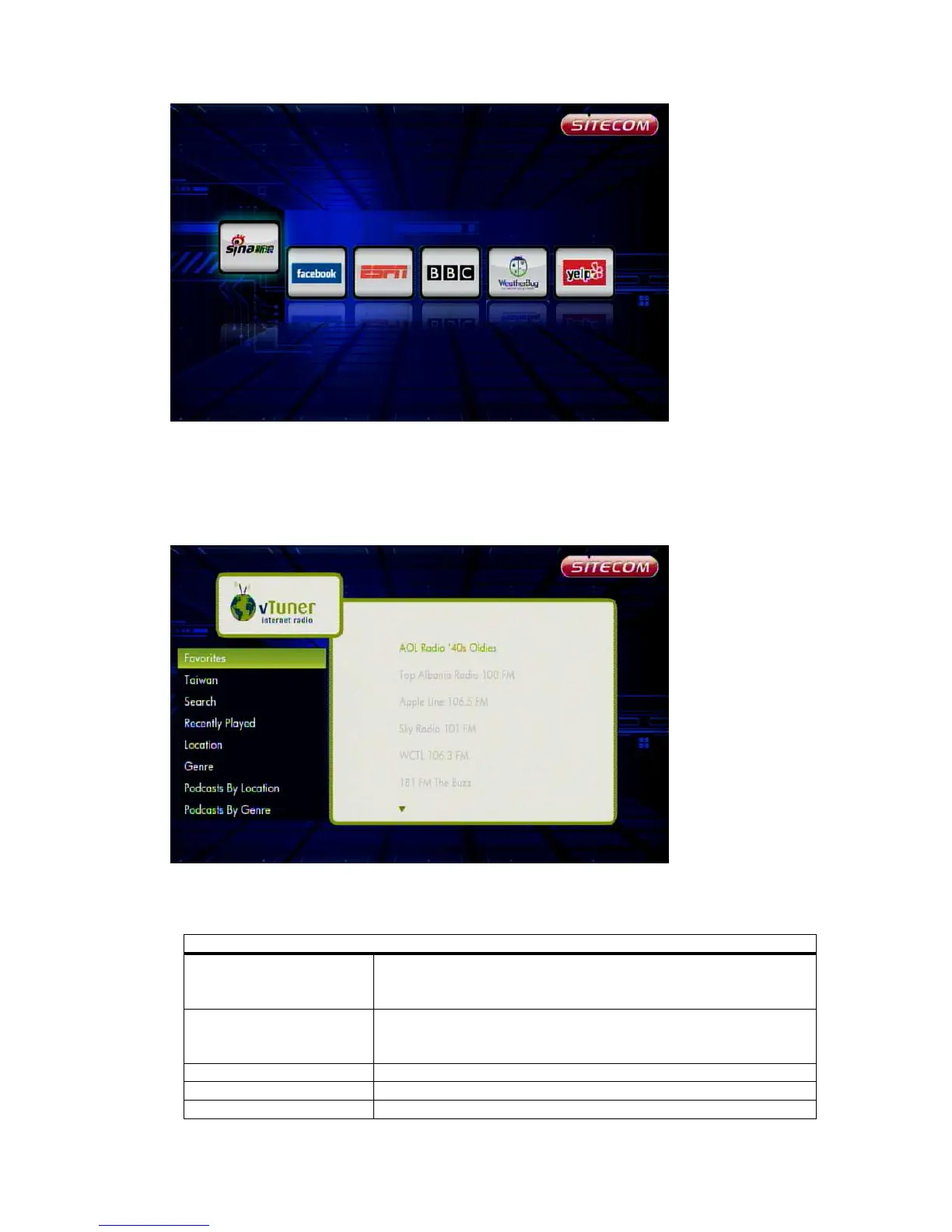
You can plug in your USB mouse and USB keyboard for control and input. To input a
text or URL, you need to select the text field, use the remote control to press “OK” to
open the virtual keyboard, and then input the text on the USB keyboard.
6.8.3 vTuner
Select the category to browse and play. Press the return key to go back to the
previous page. Press the stop key to stop the audio playback.
Option
Favorites Browse the favorite list and select one to play. In
audio playback, select “Delete from Favorites” to
delete it.
“Country” Browse the local list and select one to play. In the
audio playback, select “Add to Favorites” to add to
Favorites.
Search Enter a keyword to search the audio.
Recently Played Browse the favorite list and select one to play.
Location Select your location.



 To Next Page