A2 mini User Manual V1.1
13
2023 SIYI Technology Co., Ltd, All Rights Reserved
controlling gimbal camera in this way.
MK15 Mini HD Smart Controller (MK15 Agriculture x A2 Mini FPV Combo or
MK15 Enterprise Standard Combo is suggested for excellent compatibility with
SIYI gimbals)
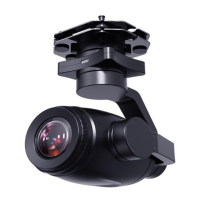
A2 mini FPV Gimbal
Mark
Above products can be purchased from SIYI directly or from SIYI authorized dealers.
SIYI TX App (v1.1.235 or latest version)
Mark
Above app can be downloaded from relevant product page on SIYI official website.
Steps for PWM Control
1. Power the air unit and bind it with the remote controller.
2. Connect A2 mini gimbal to the air unit’s Ethernet port.
3. Run SIYI TX app on the remote controller.
4. Go to “System Settings – Channel 15” and switch the control of channel 15 to
the gimbal for pitch control of A2 mini gimbal.


 To Next Page