Using a Textured Impressions™, Texture Fades™,
Texture Trades™, Simple Impressions® Embossing
Folders, ShadowPress™ or Embosslits™ Dies
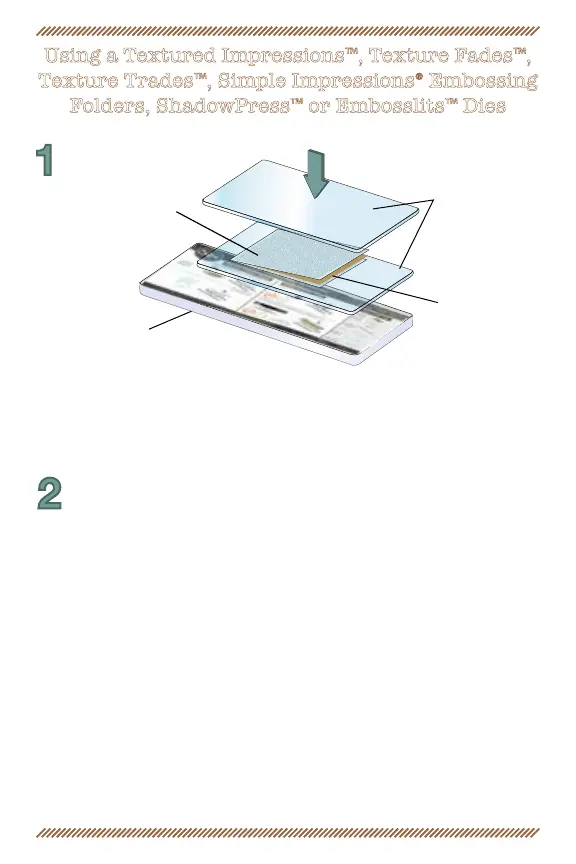
1. With Textured Impressions, Texture Fades, Simple Impressions
Embossing Folder, ShadowPress or Embosslits Die open, insert paper, foil
or other embossable material, then close like a book.
Single Sheet
of Cardstock
Textured
Impressions
Embossing Folder
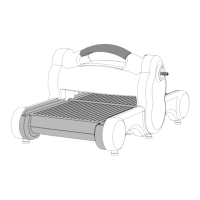
Cutting Pads
Platform
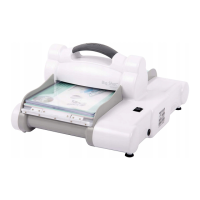
2. Use the forward/reverse switch to select the proper direction. Slide
“sandwich” into the roller opening as far as it will go. Push in on the side
aps to align the “sandwich” and gently press the motor button. When
the “sandwich” is completely through the rollers, then and only then
is it safe to remove or handle your embossing folder and embossed shape.


 To Next Page