Using Texturz™ Texture Plates
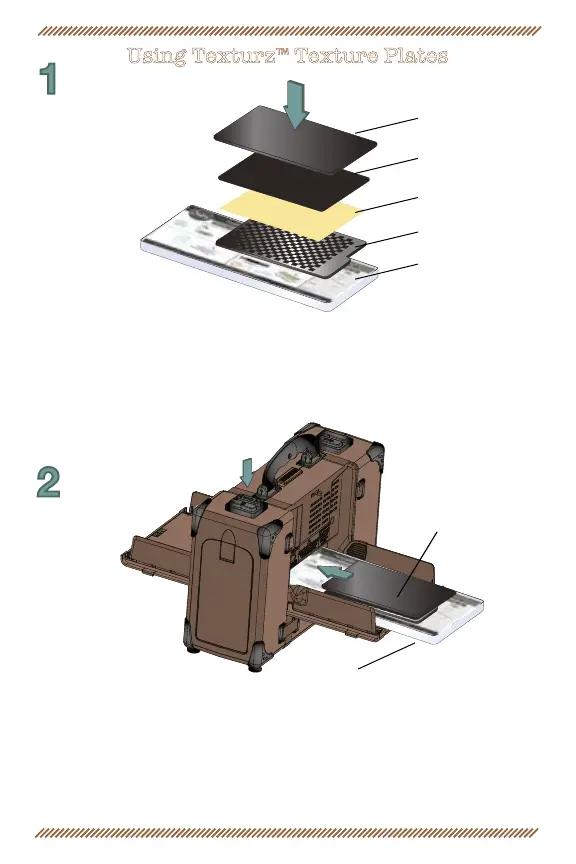
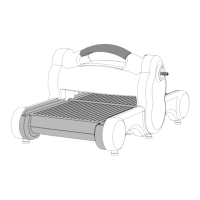
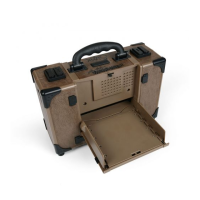
1. Place a Texture Plate directly on the Platform with the desired
design facing up. Place paper or desired material on top of Texture
Plate. Place Silicone Rubber on top of paper. Place Impressions Pad on
top of Silicone Rubber to create a “sandwich.”
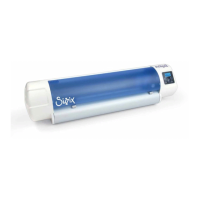
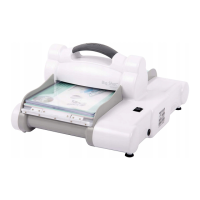
2. Use the forward/reverse switch to select the proper direction. Slide
“sandwich,” Platform into the roller opening as far as it will go. Push in on
the side aps to align the “sandwich” and gently press the motor button.
When the “sandwich” is completely through the rollers, then and only
then is it safe to remove or handle your Texture Plate and
texturized shape.
Platform
“Sandwich”
Impressions Pad
Silicon Rubber
Paper
Texture Plate
Platform


 To Next Page