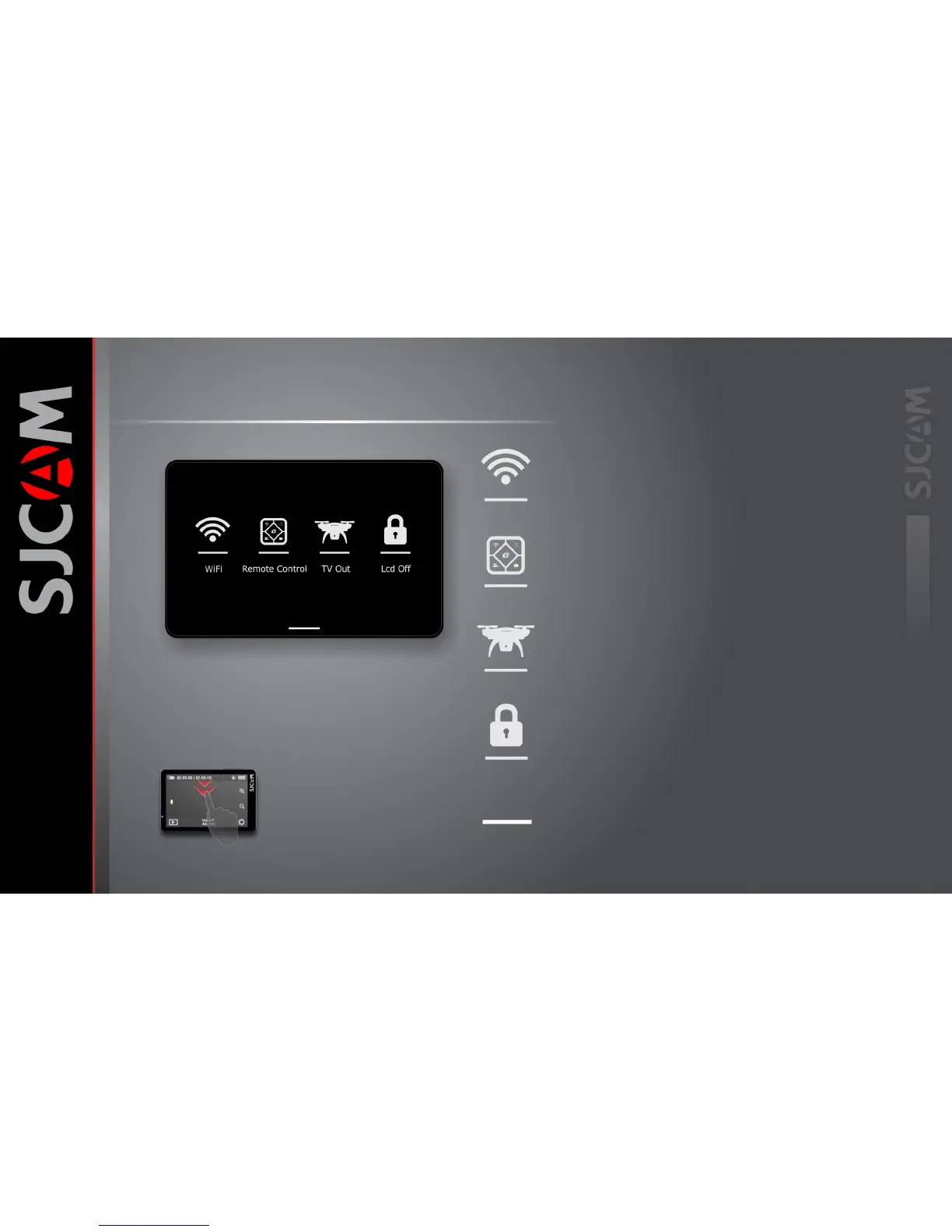
THE TOGGLES SCREEN
WIFI
LCD OFF
REMOTE CONTROL
TV OUT
SWIPE UP TO RETURN
Enable or disable the WiFi by tapping this
and setting it.
Enable the remote by tapping this and
setting it to ON
Enables analog video output via a special cable.
Cable sold separately.
Turns off the display and disables the touchscreen to avoid
accidental taps. Swipe the key icon to the lock to enable the
touchscreen again.
Swipe this up to hide the Toggles Screen
To get here, swipe down from the
Top of the screen.



 To Next Page