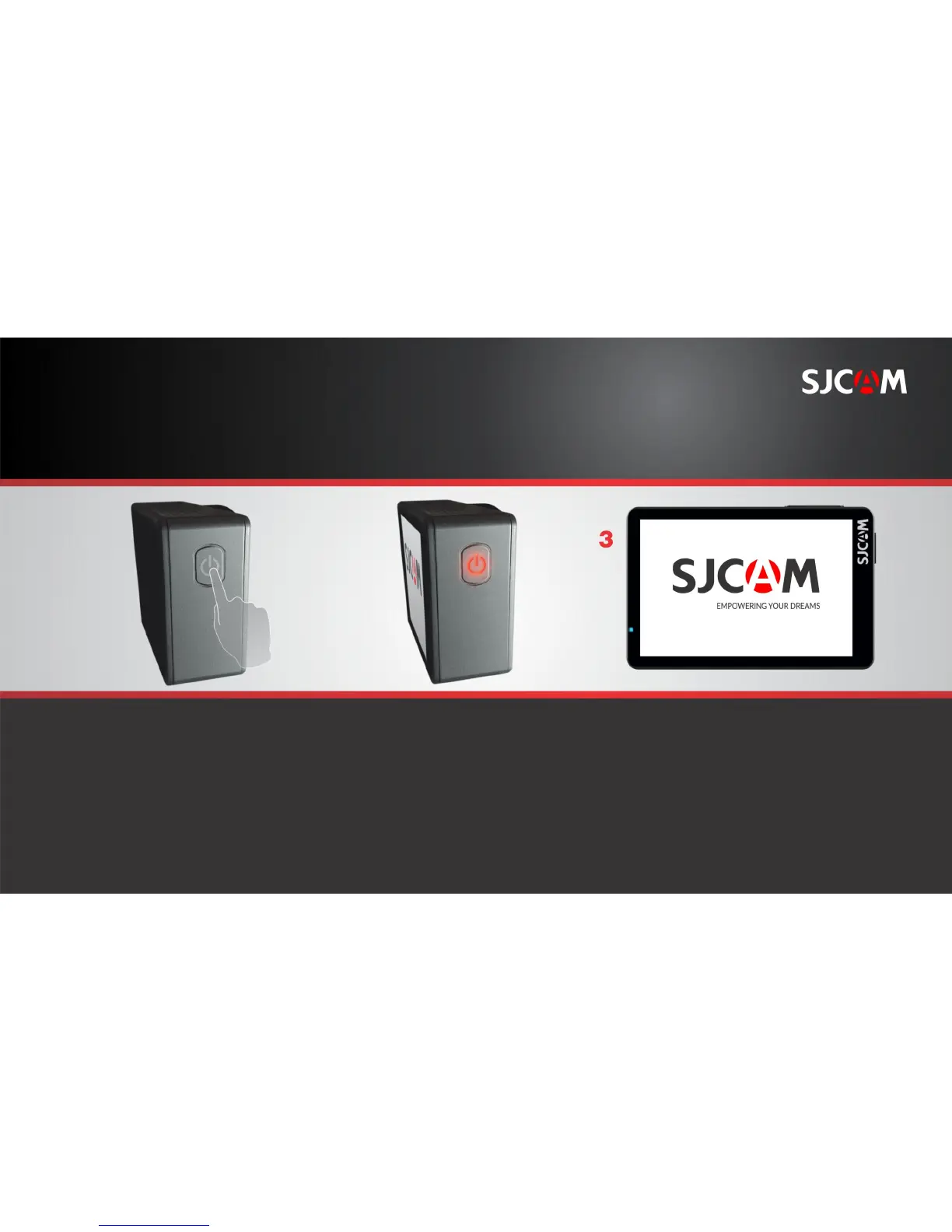
POWERING THE CAMERA ON
On the right side of your camera
is the Power Button. Press and hold
it down to start your camera.
The Power Button backlight will
come on once the camera is active.
The SJCAM splash-screen will briefly
show while the camera initializes,
and will immediately proceed to the
Main Screen.
NOTE: If firmware files are present in the memory
card it will initialize and begin installation.
The camera will then proceed to the Main Screen,
ready for use.



 To Next Page