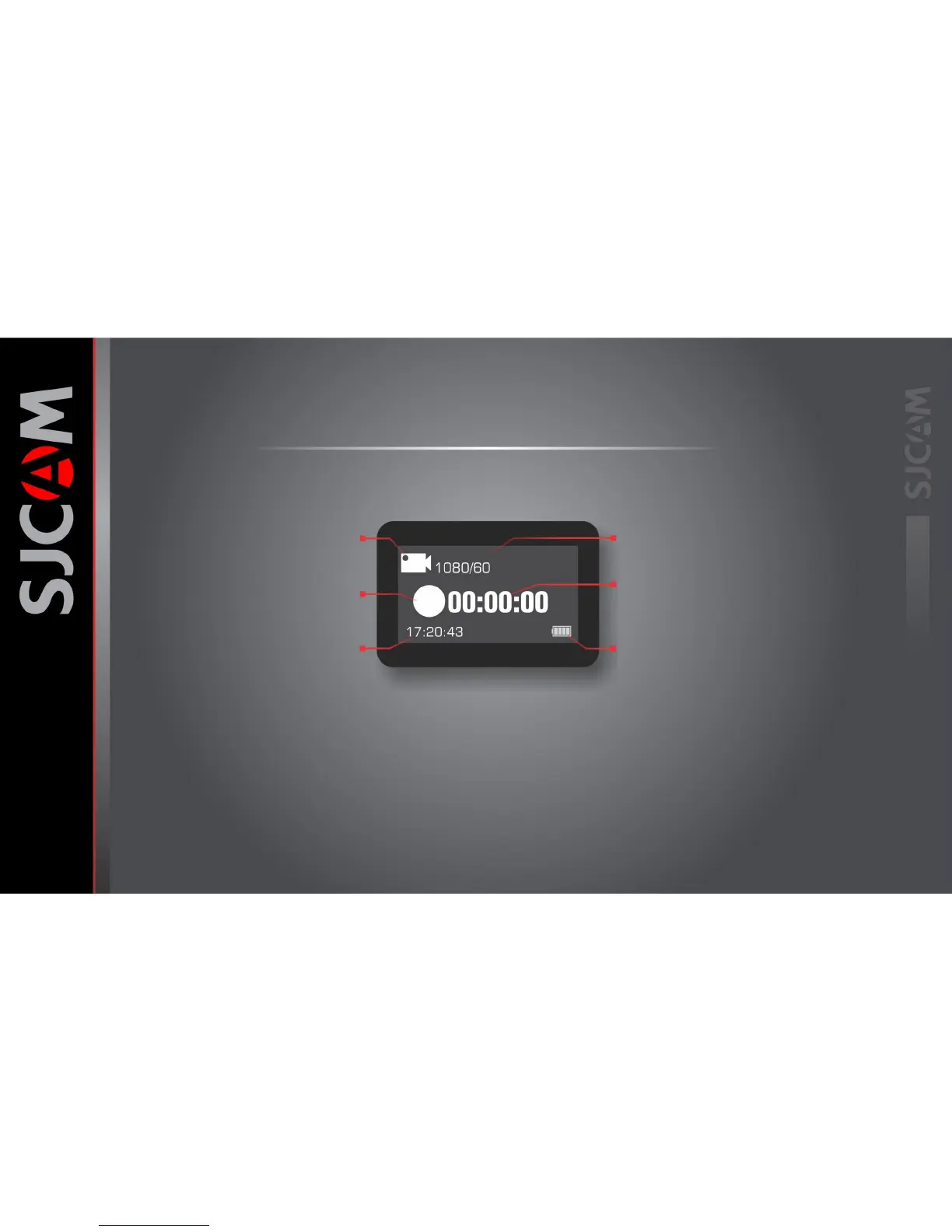
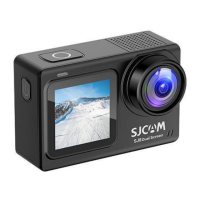
The Front Screen
Current Mode Icon
Icon shows what mode you are currently in.
Options will vary depending on the mode.
Camera Activity Ball
The ball will appear steady when in standby mode.
The ball will blink when shooting a video.
Current Time
Displays current time in digits.
Current Resolution / Frame Rate
Displays the set resolution size and the
accompanying number of frames per second.
Elapsed Time / Shots Taken
Shows the length of time you are recording.
Or the number of images that are stored.
Battery Status Indicator
Displays approximate power left on the
battery. Battery blinks when almost empty.
Front Screen is enabled
You can enable or disable the front screen in
the General Settings menu to save power.



 To Next Page