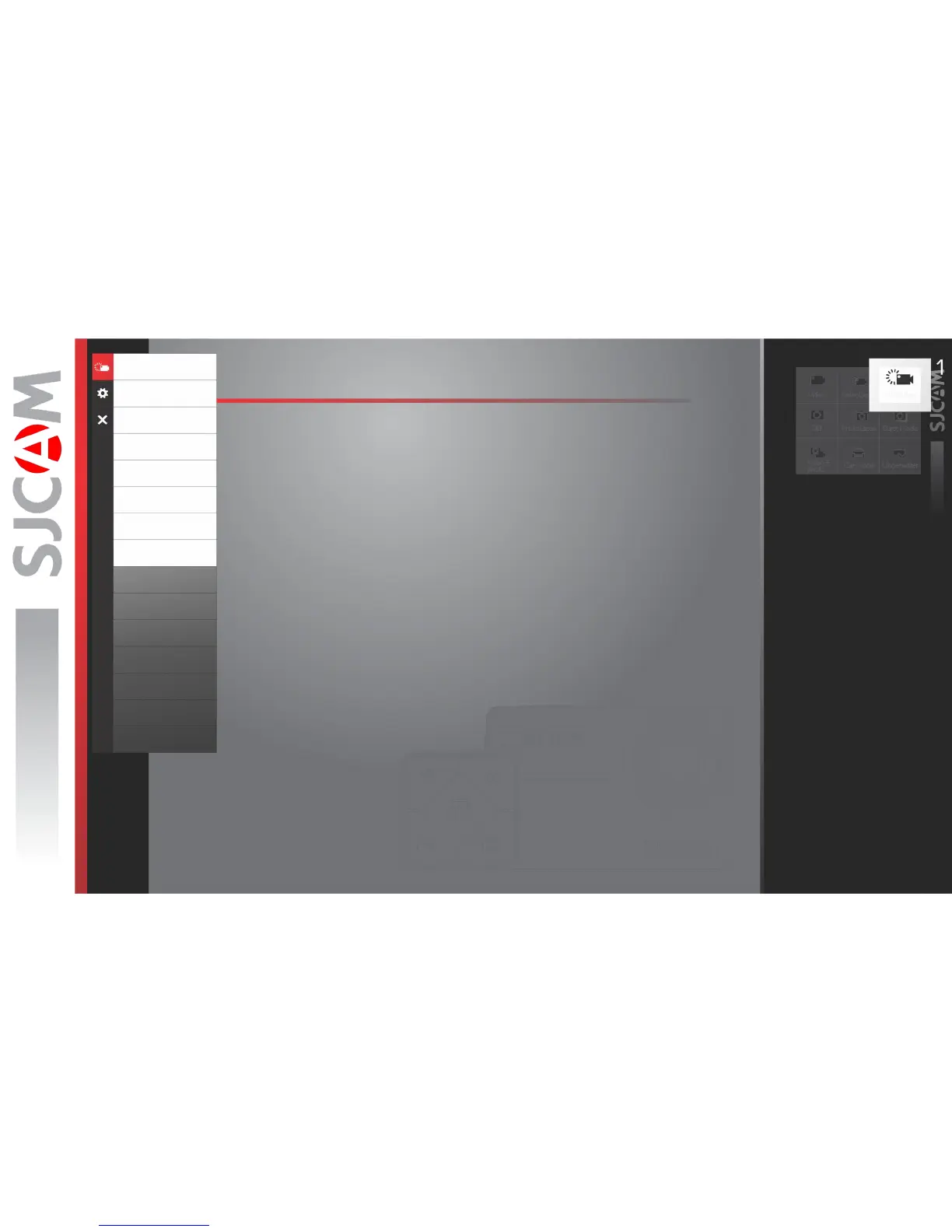
SLOW REC OPTIONS
Slow Motion
VideoCoding
Loop Recording
FOV
WDR
Time Stamp
ISO
Sharpness
Saturation
Contrast
White Balance
Color
EV
Metering
DistortionCorrection
SLOW MOTION › Sets the speed of the video recording.
VIDEO CODING › Sets how the video file is encoded, the standard H.264 is common.
H.265 makes much smaller file sizes with the same image quality, may require a video
player upgrade to read this newer type of video encoding.
LOOP RECORDING › Allows writing over the oldest unprotected video files on the
memory card to allow for continuous recording.
FOV › Field Of View. The wider the setting, the more parts of the scene are included in
the recording. NOTE: FOV is not available when Gyro Sensor is on.
WDR › Automatically adjusts the range of brightness-to-darkness that the camera will record.
When turned on, it will help balance your pictures by adjusting the contrasts.
TIME STAMP › When enabled, will display the date and time of your recording.
ISO › Adjusts the image sensor’s sensitivity to light. A higher ISO will collect more light at
the expense of adding noise (grain) into the image when set too high.
SHARPNESS › Changing the sharpness setting will make your images either crisper
or smoother, adjust according to your preference.
SlowRec



 To Next Page