UNDERWATER MODE OPTIONS
RESOLUTION › Changing to a higher resolution will have more detail in your video at the
expense of file size. A lower resolution has a smaller filesize but will have less details in
your video. Conversely, a higher resolution will contain more detail.
Note: FPS (Frames Per Second) is part of the options in video resolution:
The higher the FPS, the more images will be displayed per second, and the smoother the
movement in the video is, at the expense of filesize.
VIDEO CODING › Sets how the video file is encoded, the standard H.264 is currently
common.
H.265 gives a much smaller file size with the same image quality, but will require a video
player that can read this newer type of video encoding.
LOOP RECORDING › Auto-saves your video in small sections, depending on selected
length. It will record over your oldest video once there is no more space left on your
memory card.
FOV › Field Of View / Field Of Vision (also known as “Focal Length”) The higher the setting,
the wider the angle of the recorded scene becomes.
WDR › Automatically adjusts the range of brightness-to-darkness that the camera will record.
When turned on, it will help balance your pictures by adjusting the contrasts. Many scenes
do not require WDR to be activated, use according to your preference.
GYRO SENSOR › Enables active video-stabilization to eliminate shake.
AUDIO › Enable or disable recording of sound together with your video.
VOLUME › Adjusts how sensitive your camera's microphone becomes. Settings for how
soft or how loud sound is recorded together with your video.
TIME STAMP › When enabled, will display the date and time of your recording.
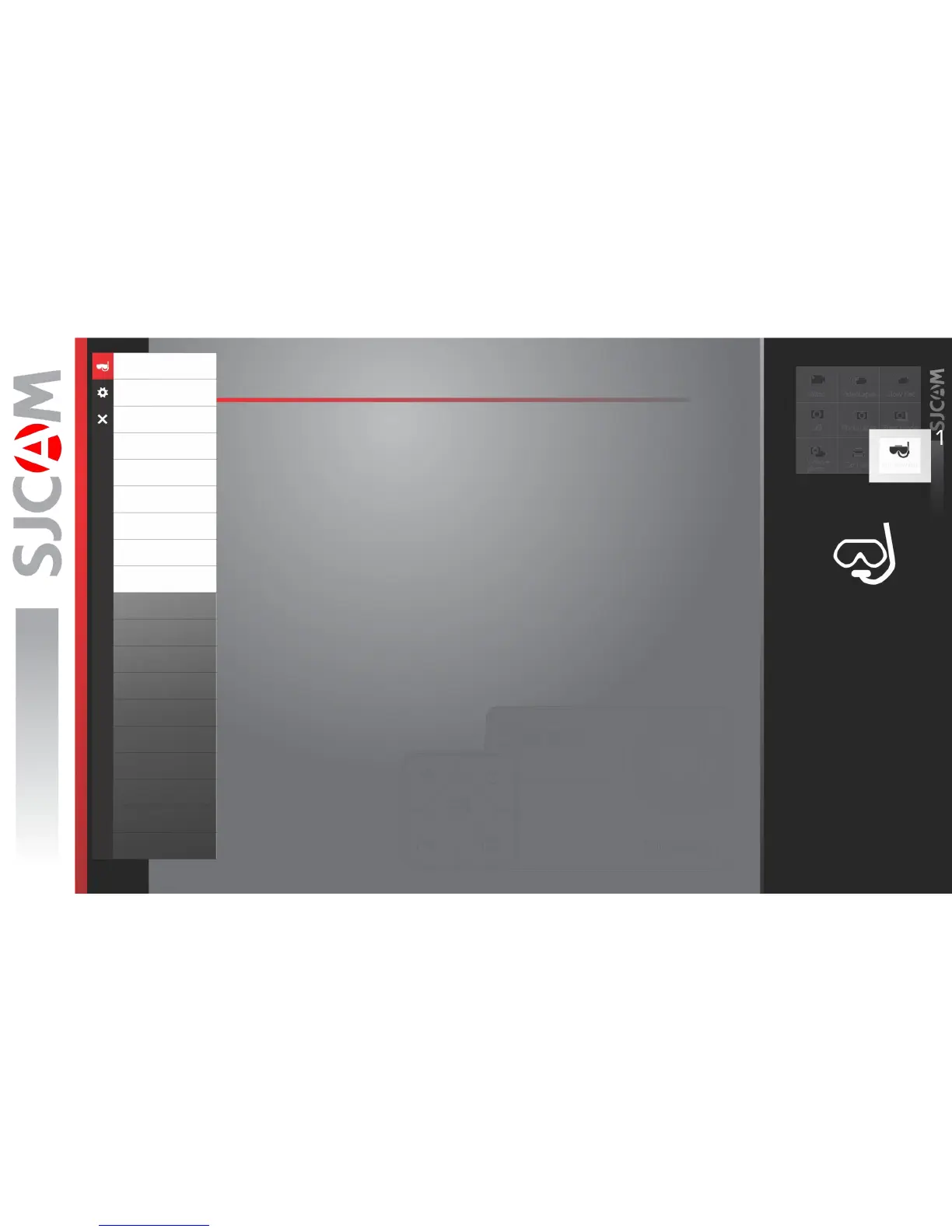
Underwater
Resolution
VideoCoding
Loop Recording
FOV
WDR
Gyro Sensor
Audio
Volume
TimeStamp
Bitrate
ISO
Sharpness
Saturation
Contrast
White Balance
Color
EV
Metering
DistortionCorrection
CAUTION:
• Always test your Waterproof
Housing prior to using it underwater.
• Make sure the silicone gasket is
aligned and set properly before
putting the camera in.
• Check for hair, dirt, or other
debris that may get caught in the
gasket as this may cause a slow leak
that may eventually flood the
housing when fully submerged.
• Always wash the waterproof
housing with freshwater after every
dive to rinse off any salt or other
contaminants. Keep the housing
closed while doing this.
Note: The waterproof housing is not
included in Small Box package.



 To Next Page