www.skcltd.com 210-PMTXM Issue L Page 25
Through Flow Sampling with the Twin Port Pocket Pump
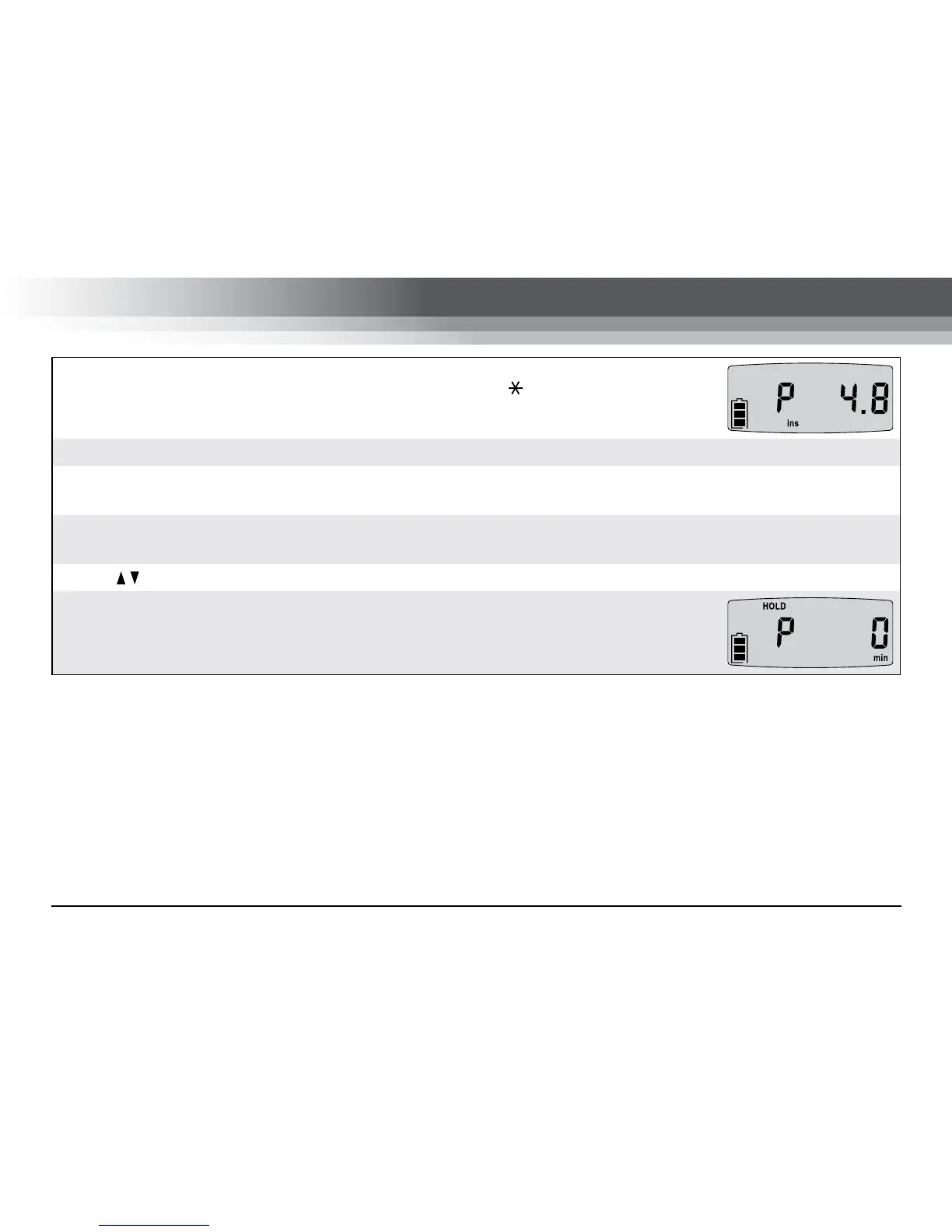
When the required back pressure has been set press the button to return to RUN
mode. The pump will now maintain the back pressure to within ±0.5 inches of water.
Connect a suitable calibrated flowmeter (such as a chek-mate or rotameter) to the inlet of the sample train.
To calibrate the sample flow rate adjust the flow restrictor on the pump inlet. Note that the pump corrects the
inlet back pressure slowly, so small adjustments of the flow restrictor must be made.
Once the required flow rate has been calibrated the pump will compensate for changes in the outlet pressure
by maintaining a constant inlet back pressure condition.
Press [
] to put the pump into HOLD mode and disconnect the flowmeter from the sample train inlet.
The pump run-time data is recorded during the back pressure setting and flow
calibration operations. Before starting a sample run reset the run-time data.
Contact SKC Limited for advice on specific constant pressure mode sampling applications.


 To Next Page