Navigation16
garage, meaning that the unit orientates itself via the wheel sensors. If you
try to carry out a route calculation in this situation you may hear the
announcement: “You are located on a non-digitalised street”. Drive on until
the display Off Road disappears.
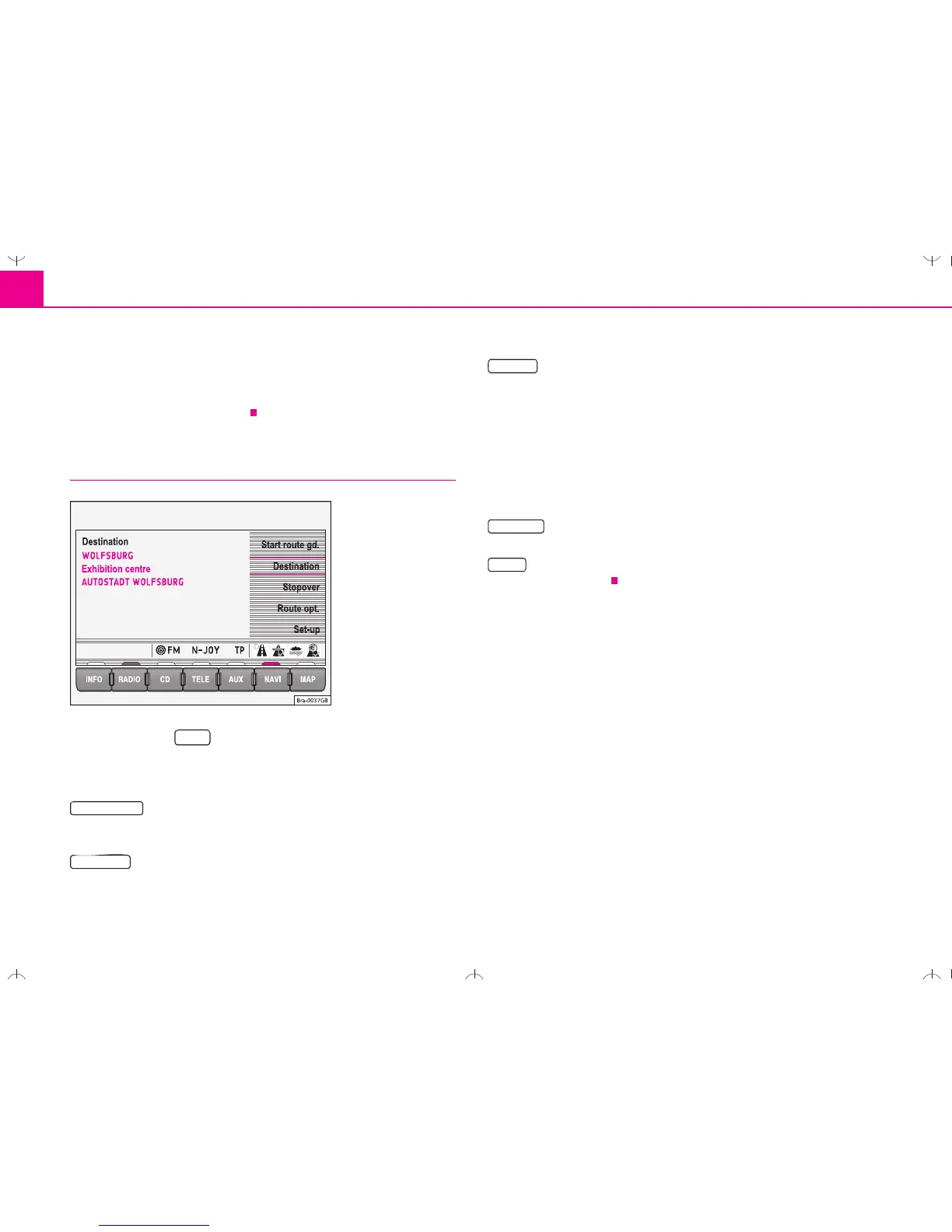
Main menu - Navigation
– Press the key to enter the Navigation main menu
⇒ page 2, fig. 1 .
Function keys in the Navigation main menu
– Starts route guidance to the entered destination. Pressing
this button again will stop the route guidance function ⇒ page 38, “Route
guidance”.
– Field for entering your destination ⇒ page 17, “Destination
entry”
– Field for entering a stopover destination. A stopover destina-
tion is entered in the same way as a destination. A stopover destination is
deleted from the screen as soon as it has been reached. It will, however,
remain in the memory Last dest. ⇒ page 17, “Destination entry”. If the
stopover destination is reached, you will be informed that you have
reached your destination, and route guidance to the final destination is
started automatically. If the stopover destination is not reached exactly,
e.g. because it is not located directly on a road, you will be informed that
you have reached the destination area. Route guidance to the next desti-
nation is not started automatically.
– Defines the parameters for route calculation ⇒ page 27,
“Parameters for route calculation”.
– Enter your location manually or start a demonstration
⇒ page 28, “Settings”.
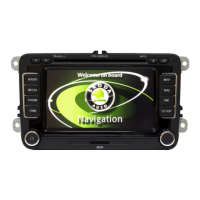
Fig. 13 Main menu
Navigation
NAVI


 To Next Page
 Loading...