SJRT Compact Series
Engine Powered December 2007 Page 47
TM
Section 3 - Operation Start Operation
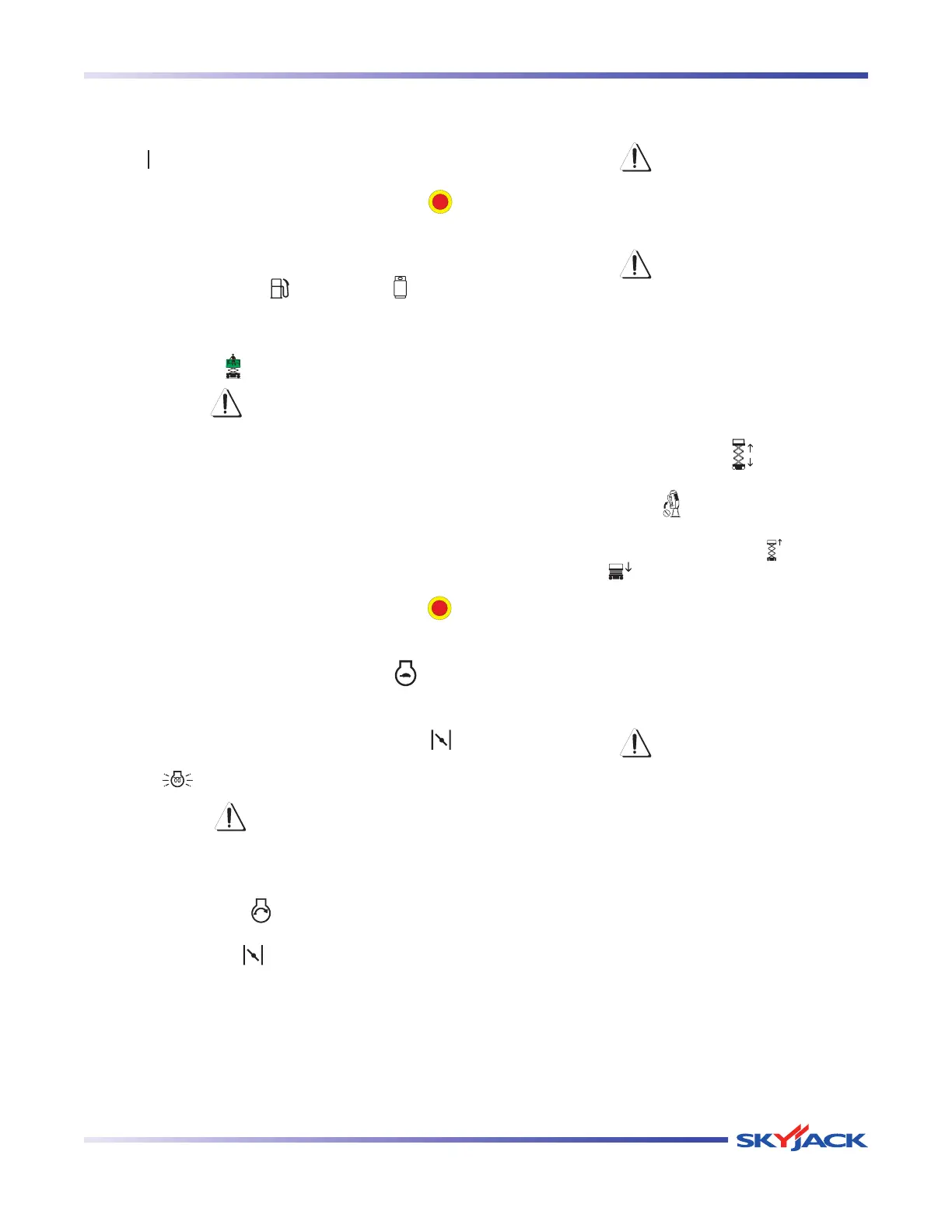
3.8-3 To Activate Platform Control Console
1. Turn emergency main power disconnect switch
to “ ”on position.
2. On the base control console, pull out the “ ”
emergency stop button.
3. For dual fuel engines, select fuel supply by moving
fuel switch to either “
” gasoline or “ ” liquid
propane gas position.
4. Insert key into platform/engine/base key switch
and turn it to “
” enable platform controls.
WARNING
Ensure that you maintain three points of
contact when using the ladder to mount/
dismount platform.
5. Use the ladder of aerial platform to access
platform.
6. Close the gate.
7. On platform control console, pull out “ ”
emergency stop button.
8. Turn the low/high throttle switch to “ ” low
throttle position.
9. For cold dual fuel engines, select and hold “ ”
choke switch. For cold diesel engines, select and
hold “
” glow plug switch for 15 to 20 seconds.
CAUTION
Do not start the engine in the high throttle
position.
10. Select and hold “ ” engine start switch until
engine starts, then release. Do not overcrank
starter. Release “
” choke switch after engine
starts (dual fuel).
3.8-4 To Raise or Lower Platform Using
Platform Control Console
WARNING
Be aware of overhead obstructions or
other possible hazards around the aerial
platform when lifting.
WARNING
Do not lower the platform unless the
area below is clear of personnel and
obstructions.
1. Activate platform control console (refer to
Section 3.8-3).
2. On platform control console, select lift/torque/drive
switch or lift/drive switch to “
” lift position.
3. Activate and hold “ ” enable trigger switch.
4. Move controller handle forward “ ” to raise or
backward “ ” to lower the platform, until desired
height is reached.
NOTE
Lowering is not proportional.
5. Return controller to neutral center position to stop.
Release enable trigger switch.
WARNING
To protect against unintended movement
of the aerial platform, push in the
emergency stop button after you have
arrived at your desired location or
elevation.
NOTE
If the tilt alarm sounds and the platform does
not, or only partially raises, immediately
lower the platform completely and ensure
that the aerial platform is on a firm level
surface.




 To Next Page