238261AAA SJ40 T+, SJ45 T+
116
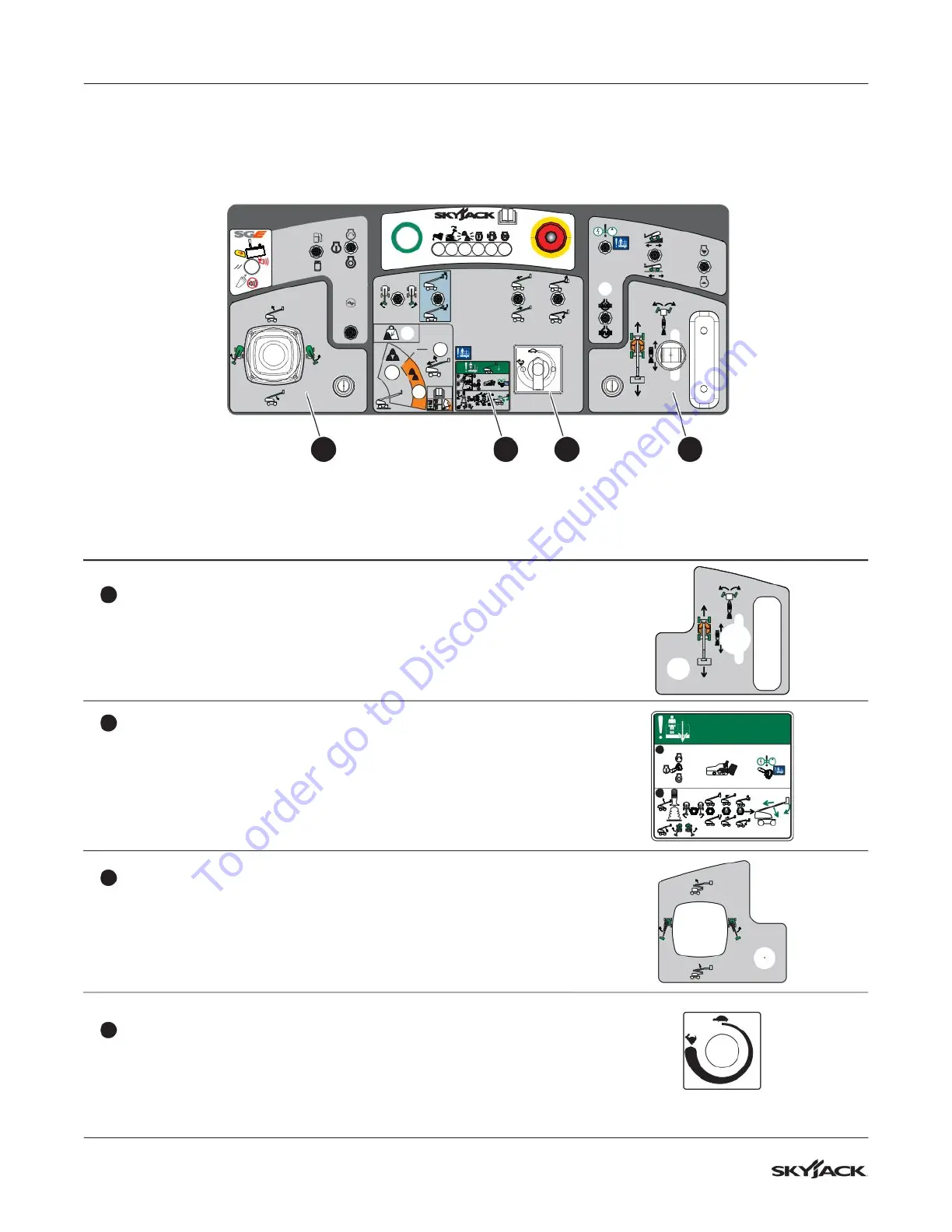
Section 8 – Labels Platform control console
Platform control console continued
1
3
4
+
STOP
=
2
+
4756
Description Label Pictorial
4
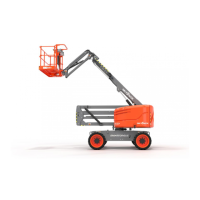
Drive/steer controller
Press the steering rocker switch to steer left or right.
Push and hold the drive/steer controller to drive forward or
rearward.
5
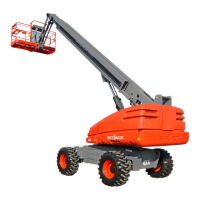
Emergency-lowering procedure
Refer to the operation manual.
1. Select the on position from the engine start/on/off switch,
press and hold the footswitch, and select the emergency
power.
2. Operate the necessary boom function to lower the platform.
1
2
+
+
6
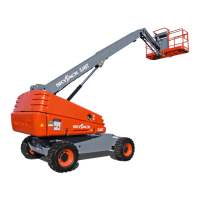
Boom/turret controller
Push and hold the boom/turret controller to rotate the turret to
the left or right.
Push and hold the boom/turret controller to raise or lower the
main boom.
7
Boom Speed Adjuster Dial
Adjust dial to vary speed of boom extension/retraction, jib
raising/lowering and platform rotation movements.
To order go to Discount-Equipment.com


 To Next Page