GB 13
7. The OSD menu – installation
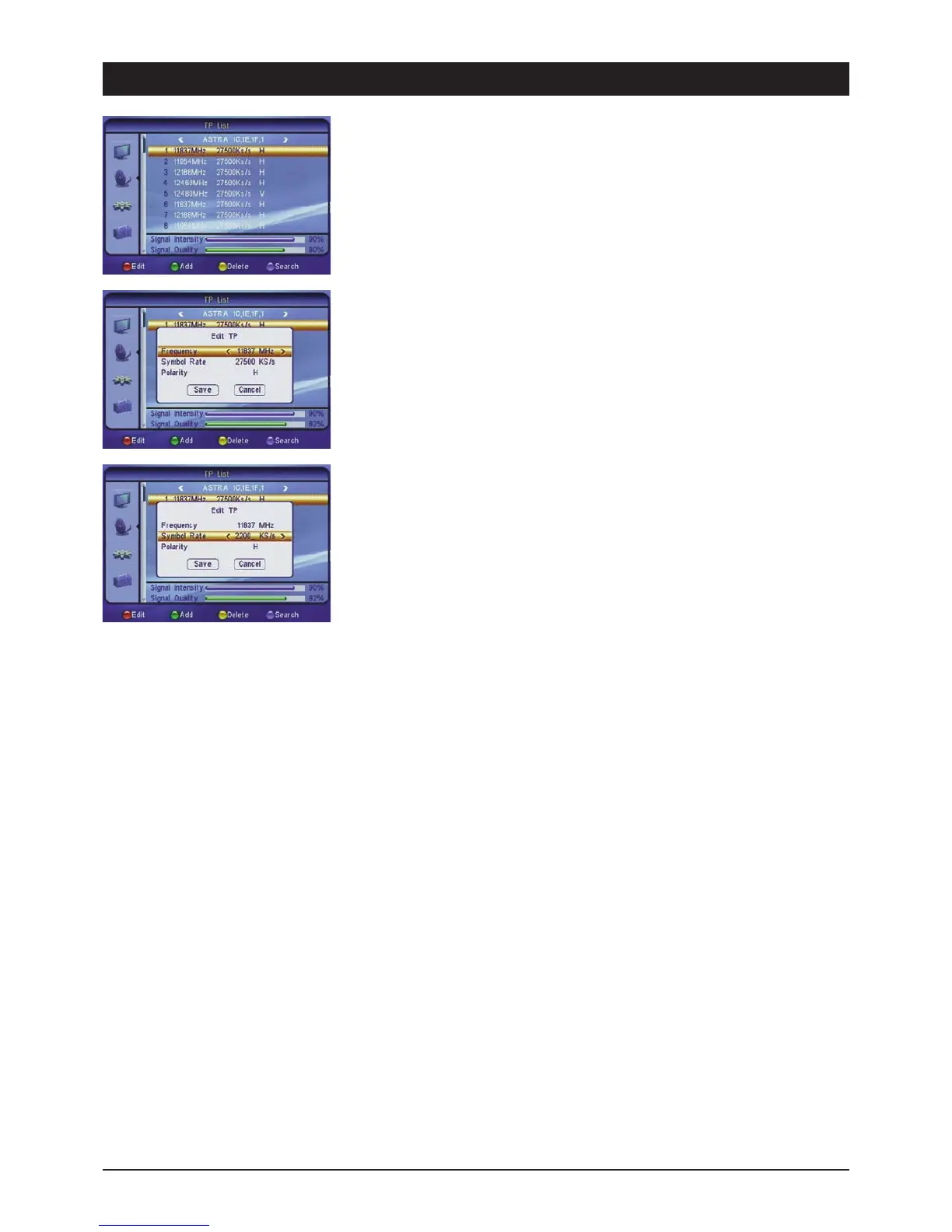
2.6 TP list
For searching for an individual transponder. This search method is advisable if you only wish to
store a certain channel or a certain channel package. The respective reception parameters
(frequencies, etc.) are stated on the Internet or in TV and specialist magazines.
2.6.1 Satellite selection
Select a preset satellite.
To change a transponder press the [red] button, to add a new transponder press the [green]
button and to delete the current transponder press the [yellow] button. If you wish to search for
the transponder of the currently selected satellite, press the [blue] button.
2.6.2 Symbol rate
The symbol rates of the most common satellite transponders have a value of 27500 or 22000.
Change the values either via direct input or in single steps via the [왗왘] buttons.
2.6.3 Polarisation
Satellite signals are transmitted on two levels (horizontal and vertical). Select the corresponding
level H or V. Note: The common number, e.g. 12480H, equals: Frequency 12480 MHz and the
H stands for horizontal.



 To Next Page