GB 6
6.3 Everyday use
For everyday use you only need a few functions – as you do with your TV set: switching channels, adjusting the volume and a few special ones such
as Teletext. You will hardly ever need to use your TV set's remote again because you can regulate all its present and additional functions with the
SKYMASTER remote control.
Switch channels: 0 - 9 Enter channel number directly (e.g. 0108)
CH 왖/CH 왔 Channel up, forwards/backwards
Channel lists/browsing: OK Browse channels
CH 왖/CH 왔 Channel up while browsing
PG- /PG + Navigate page by page, forwards/backwards
WHITE Favourites - a list of your favourite programs
Volume: VOL 왗/VOL 왘 Volume control and mute
Useful special functions: TXT Teletext or Videotext
EPG “Electronic program guide”
SUB Subtitles
TV/RADIO Switching between TV and radio
You can find detailed descriptions of these and other functions on the following pages.
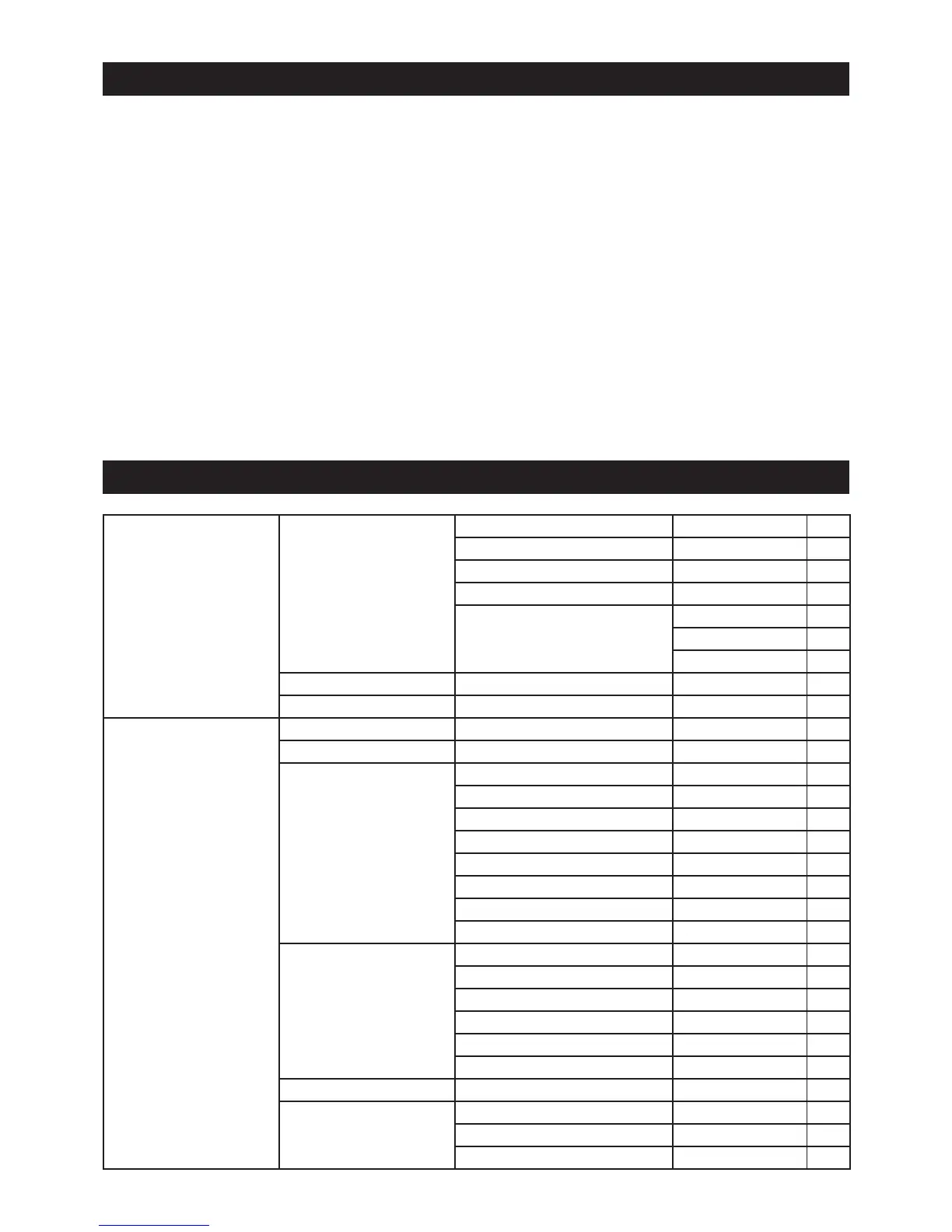
7. The OSD menu – overview
1. Edit channels
1.1 TV channel list
1.1.1 Favourites 8
1.1.2 Parental lock 8
1.1.3 Skip 8
1.1.4 Move 8
1.1.5 Change
1.1.5.1 Sort 9
1.1.5.2 Rename 9
1.1.5.3 Delete 9
1.2 Radio station list 9
1.3 Delete all 9
2. Installation
2.1 Antenna connection 2.1.1 Rotating system or permanent alignment 10
2.2 Satellite list 2.2.1 Satellite 11
2.3 Antenna setting
2.3.1 Satellite 11
2.3.2 LNB type 11
2.3.3 Transponder 11
2.3.4 DiSEqC 11
2.3.5 22kHz 11
2.3.6 Toneburst 11
2.3.7 Polarisation 11
2.3.8 Signal indicators 11
2.4 Single satellite search
2.4.1 Satellite 12
2.4.2 FTA 12
2.4.3 Search 12
2.4.4 Network search 12
2.4.5 Search mode 12
2.4.6 Search 12
2.5 Multi-satellite search 2.5.1 Satellite 12
2.6 TP list
2.6.1 Satellite selection 13
2.6.2 Symbol rate 13
2.6.3 Polarisation 13



 To Next Page