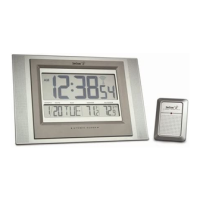
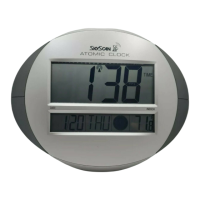
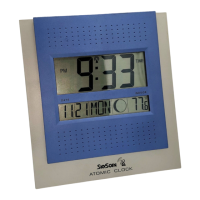
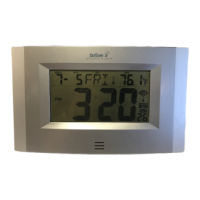
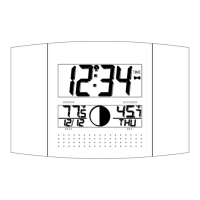
OUTDOOR TEMPERATURE TRANSMITTER:
Remote transmission of outdoor temperature to the atomic clock by 433 MHz
signals
Wall mounting case
TO INSTALL AND REPLACE BATTERIES IN THE ATOMIC CLOCK
The atomic clock uses 2 x AA, 1.5V batteries. To install and replace the batteries, please follow the steps below:
1. Remove the cover.
2. Insert batteries observing the correct polarity (see marking inside battery compartment).
3. Replace compartment cover.
DO NOT SET THE CLOCK.
TO INSTALL AND REPLACE BATTERIES IN THE TEMPERATURE TRANSMITTER
The transmitter uses 2 x AA,1.5V batteries. To install and replace the batteries, please follow the steps below:
1. Remove the cover.
2. Insert the batteries, observing the correct polarity (see marking inside battery compartment).
3. Replace the battery cover on the unit.
Alkaline batteries are recommended for use in both units. Avoid using rechargeable batteries.
SETTING UP:
NOTE: Do not set the clock until the outdoor temperature is displayed.
1. Place batteries in the outdoor transmitter first, then into the atomic clock. DO NOT PRESS ANY
BUTTONS FOR 10 MINUTES.
2. After 10 minutes both the Indoor and Outdoor areas on your clock should have a temperature showing. If
not, remove both sets of batteries, wait 10 minutes and repeat step one.
3. After the clock receives the outdoor temperature, and 10 minutes has elapsed, set your time zone. The
default time zone is Eastern Standard Time (EST). If you live in the Eastern Time zone move to step
5.
4. To set the time zone:
Push and release the “SET” function button.
The time zone (LCD2) will start flashing (Default setting -5EST).
Push the (+) function button to change the default setting (-5EST) to the desired time zone.
-6 CST (Central Time Zone)
-7 MST (Mountain Time Zone)
-8 PST (Pacific Time Zone)
(See “Time Zone Setting” if you live outside the USA)



 To Next Page