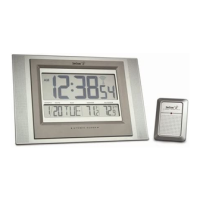
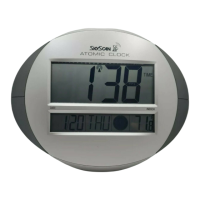
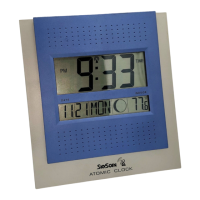
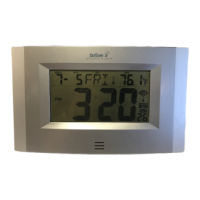
5. After the clock receives the outdoor temperature the WWVB time code reception will automatically start.
The clock will automatically set itself to the exact time, day and date after receipt of the WWVB time code
reception. This typically takes over night. For best reception place your clock next to a window facing
Colorado over night. Once a successful reception is received the Radio Reception ( ) icon will appear
above the blinking colons. Once a successful reception is received relocate your clock to a desired location.
The clock will then automatically attempt to receive the WWVB time from 12:00 am through 6:00 am each
day (attempts WWVB reception every full hour within this time frame). When this is successful, the
received time will override the manually set time. The date is also updated with the received time (Please
refer to notes on “Radio controlled time” and “Manual time setting”).
Note:
In the event of changing batteries of the unit ensure that the batteries do not spring free from the contacts.
Always wait at least 10 minutes after removing the batteries before reinserting, otherwise start up and
transmission problems may occur.
FUNCTION KEYS
The atomic clock has four easy to use keys:
SET key To enter into the set mode for the following functions: time zone, DST ON/OFF (daylight saving
time), language, hour, minute, year, month, day, weekday, 12/24 hour, ºC or ºF temperature display
+ key To toggle between the seconds, temperature or weekday display
To change any values in manual set mode
ALM key To enter into the alarm set mode
To set the alarm ON/OFF
SNZ key To activate the snooze function during alarm
To display the alarm time in normal mode display
To exit the setting modes
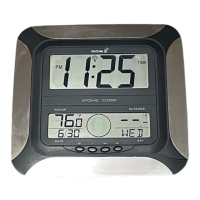
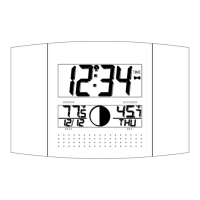
ATOMIC CLOCK LCD SCREEN DESCRIPTIONS
The atomic clock's LCD is divided into 2 sections. When batteries are inserted, all the segments will light up
briefly before displaying the information for time, date, indoor and outdoor temperatures.
Outdoor temperature display



 To Next Page