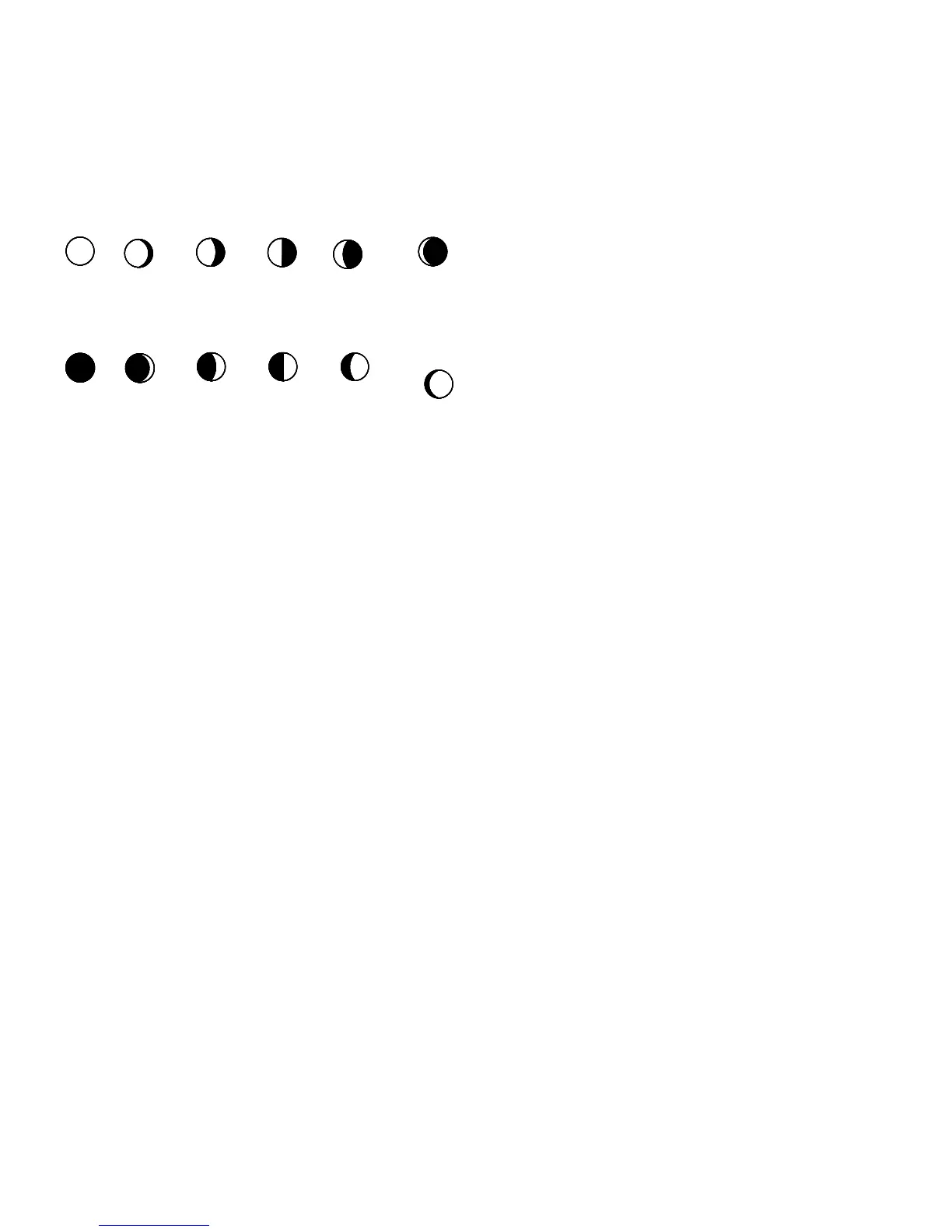
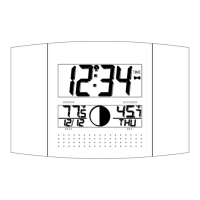
MOON PHASE SYMBOLS:
The atomic clock automatically calculates and updates the moon phase diagram on LCD2. The phase display
will change approximately every 2 days, 11 hours. Whenever the date or time is changed manually, the atomic
clock will display the updated moon phase within a few minutes. Twelve stages of the moon’s phases are
represented.
New Moon Small Waxing Large Waxing First Quarter Small Waxing Large Waxing
Crescent Crescent Gibbous Gibbous
FullMoon Large Waning Small Waning Last Quarter Large Waning Small Waning
Gibbous Gibbous Crescent Crescent
Note: The moon phase visible in the sky is noted by a darkening of the LCD screen. Therfore, a full moon is a
complete dark circle.
MANUAL SETTINGS
Note:
If the atomic clock has already successfully received the WWVB time signal and displays the correct time
and date, then the Manual settings can be skipped.
After completion of the above described procedures in “Setting up” the manual setting modes can be entered by
pressing and holding the SET key for 3 seconds. The following settings can now be programmed:
Time zone setting
DST ON/OFF
Language display setting
Manual time setting
Year setting
Month setting
Date setting
Weekday setting
12/24 hour time display setting
ºC or ºF setting



 To Next Page