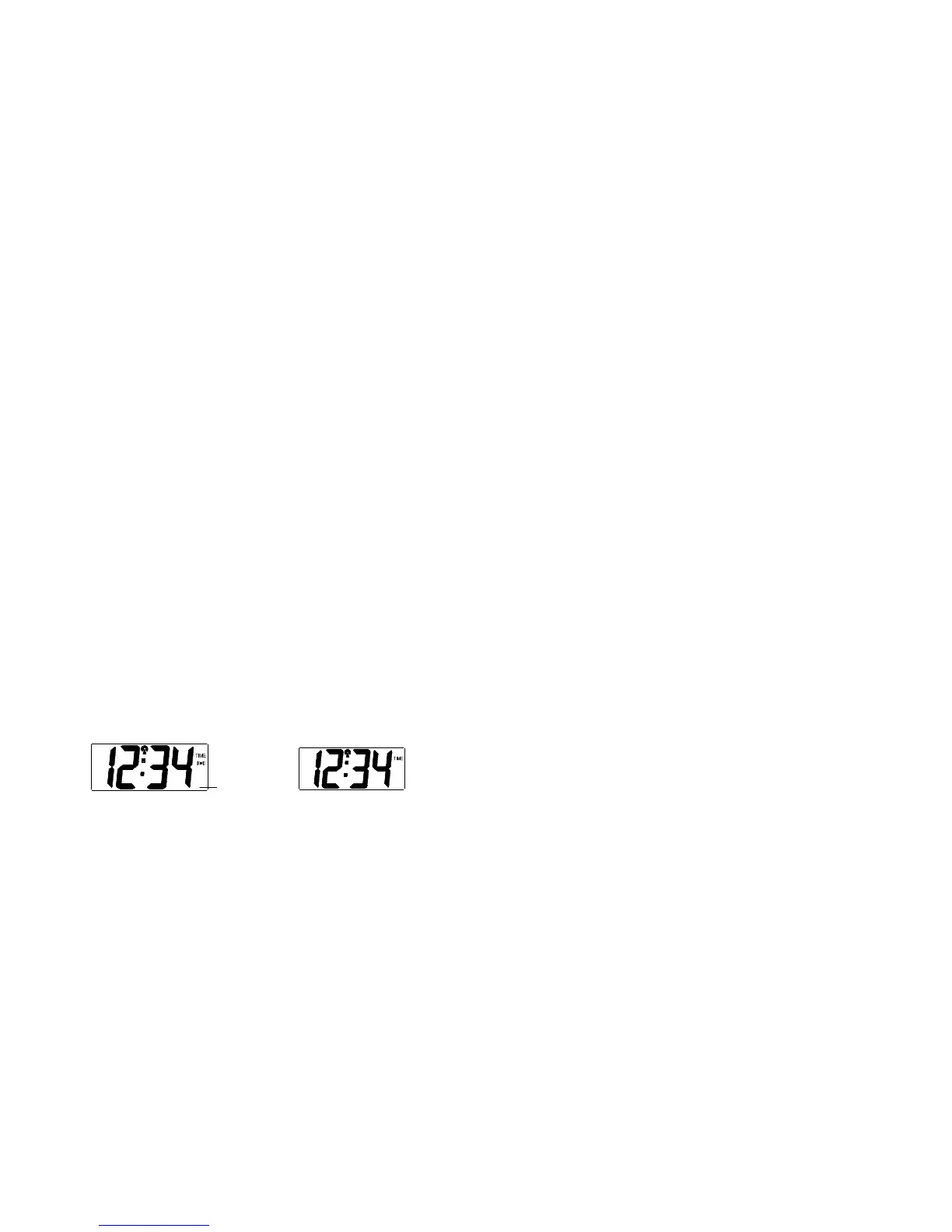
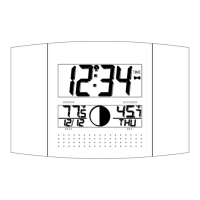
12/24 HOURS TIME DISPLAY SETTING
1. The “12” or “24” will start flashing in LCD1 (Default setting 12h). Select the desired time display mode by
use of the + key.
2. Press and release the SET key to enter the “ºC/ºF Temperature Setting“.
°C OR °F TEMPERATURE SETTING
1. The characters “°C” or “°F” will start flashing on LCD1 (Default setting °F). By use of the + key select
“°C” for temperature display in degrees Celsius or “°F” for degrees Fahrenheit.
2. Press and release the SET key to exit the setting mode and switch back to the normal display mode.
EXIT THE MANUAL SETTING MODES
To return to the normal display mode from anywhere in manual setting mode simply press the SNZ key
anytime.
If no keys are pressed for at least 15 seconds in setting mode, the atomic clock will automatically switch
back to normal display mode.
ALARM SETTING
To enter into the alarm setting mode:
1. Hold the ALM key for 4 seconds. The hour digits start flashing.
2. Press and release the + key to set the hour.
3. Press and release the ALM key to set the minutes. The minute digits start flashing.
4. Press and release the + key to set the minutes.
5. Press and release again the ALM key to exit the Alarm setting mode or wait for 15 seconds automatic
timeout.
TO DEACTIVATE THE ALARM:
The alarm will be automatically ON when the alarm time is set. To deactivate the alarm (OFF), press and
release once the ALM key in normal mode display. The alarm icon will disappear, the alarm is now off.
SNOOZE SETTING
The snooze can only be activated during alarm time for a snooze duration of 10 minutes by pressing the SNZ
key on the back of the clock



 To Next Page