11 / 32
Copyright (c) 2009-2013 RoboPeak Team
Copyright (c) 2013-2017 Shanghai Slamtec Co., Ltd.
status. But the host system cannot ask the RPLIDAR to perform scan operations
unless the host system send a Reset request to reboot the RPLIDAR core system.
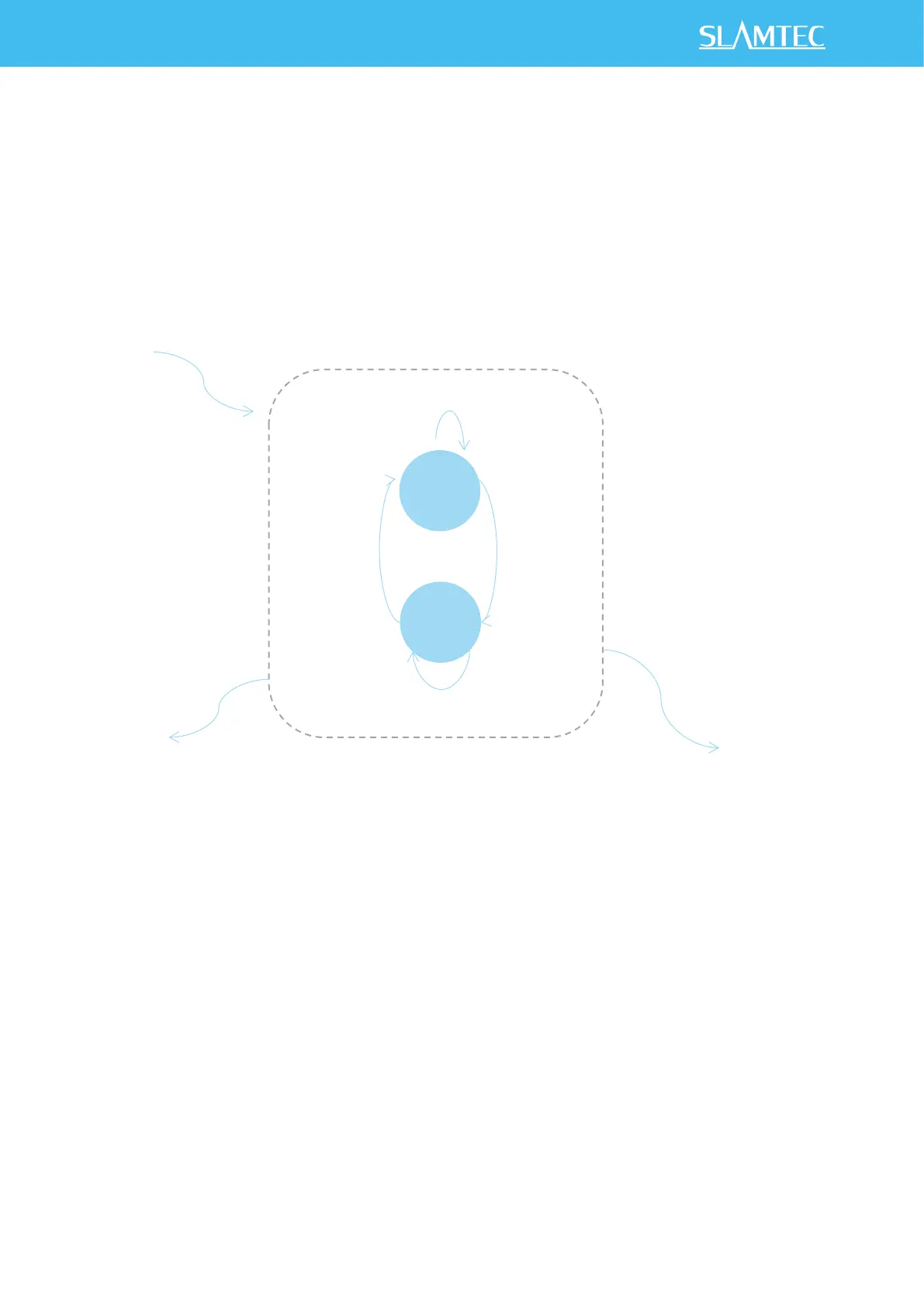
Scanning Status
RPLIDAR always checks the motor rotation status when working in the scanning
state. Only when the motor rotation speed becomes stable, RPLIDAR will start taking
distance measurement and sending out the result data to the host system.
Figure 3-2 RPLIDAR’s Working Mode during Scanning


 To Next Page