27 / 32
Copyright (c) 2009-2013 RoboPeak Team
Copyright (c) 2013-2017 Shanghai Slamtec Co., Ltd.
Stop state. However, if RPLIDAR enters the Protection Stop state for several times,
this may be a sign of some unrecoverable damage has occurred in RPLIDAR.
Get sample rate(GET_SAMPLERATE) Request
By sending this request, the host system can get the single measurement duration
in standard scan mode and express scan mode respectively and calculate the
current rotating speed of RPLIDAR accurately.
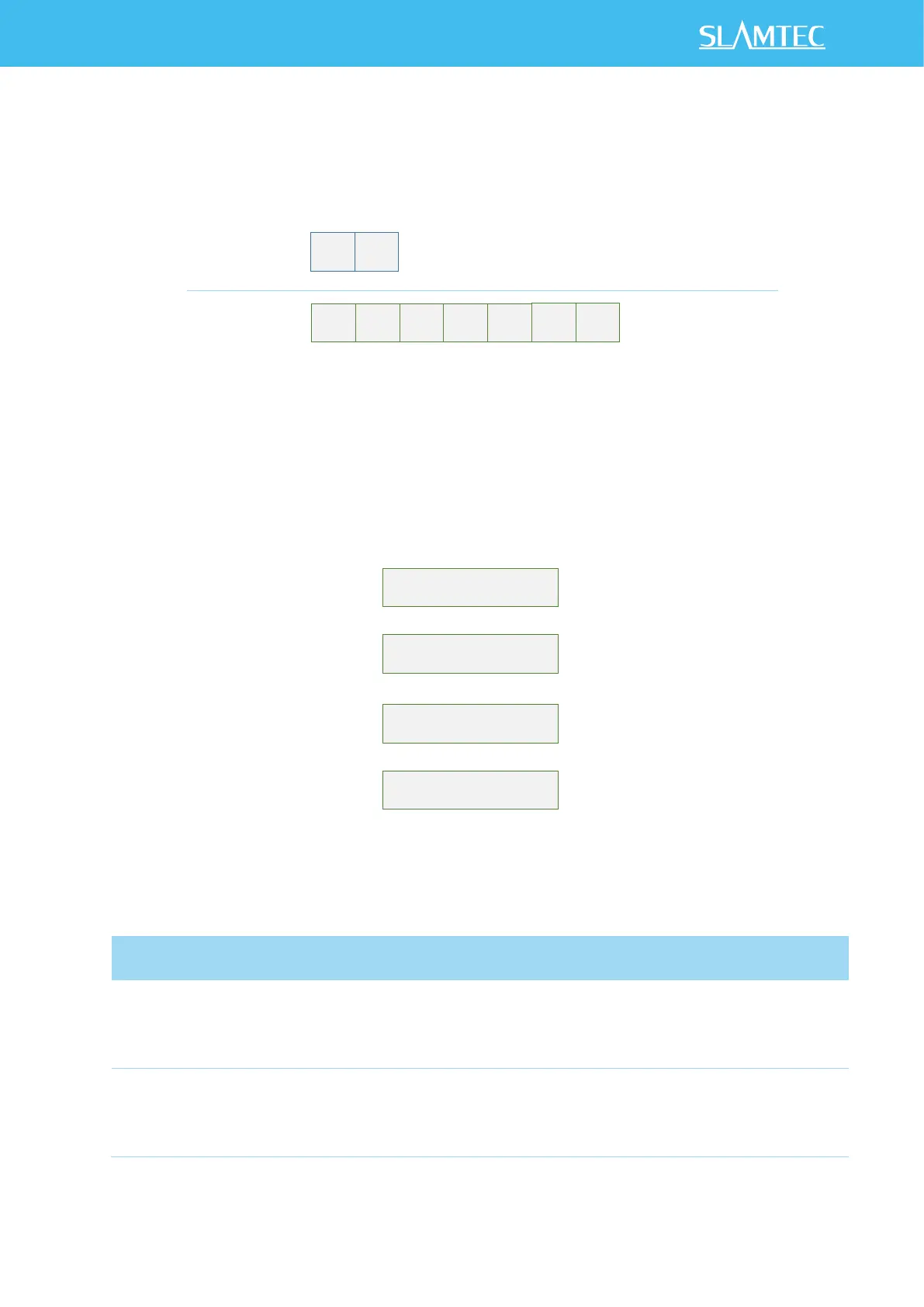
Figure 4-21 Format of a Sample Rate Data Response Packet
The following table describes the filed definition of the above packet.
Figure 4-22 Field Definition of Sample Rate Data Response Packet
In scan(SCAN) mode, the time used
when RPLIDAR takes a single laser
ranging
Unit: microsecond(uS)
In express scan(EXPRESS_SCAN)
mode, the time used when RPLIDAR
takes a single laser ranging
Unit: microsecond(uS)
It can be used for debugging the
rotating speed when the RPLIDAR
uses the EXPRESS_SCAN request.


 To Next Page