26 / 32
Copyright (c) 2009-2013 RoboPeak Team
Copyright (c) 2013-2017 Shanghai Slamtec Co., Ltd.
Get Device Health Status (GET_HEALTH) Request and
Response
A host system can send the GET_HEALTH request to query RPLIDAR’s health state.
If the RPLIDAR has entered the Protection Stop state caused by hardware failure,
the related error code of the failure will be sent out.
Format of the Data Response Packets
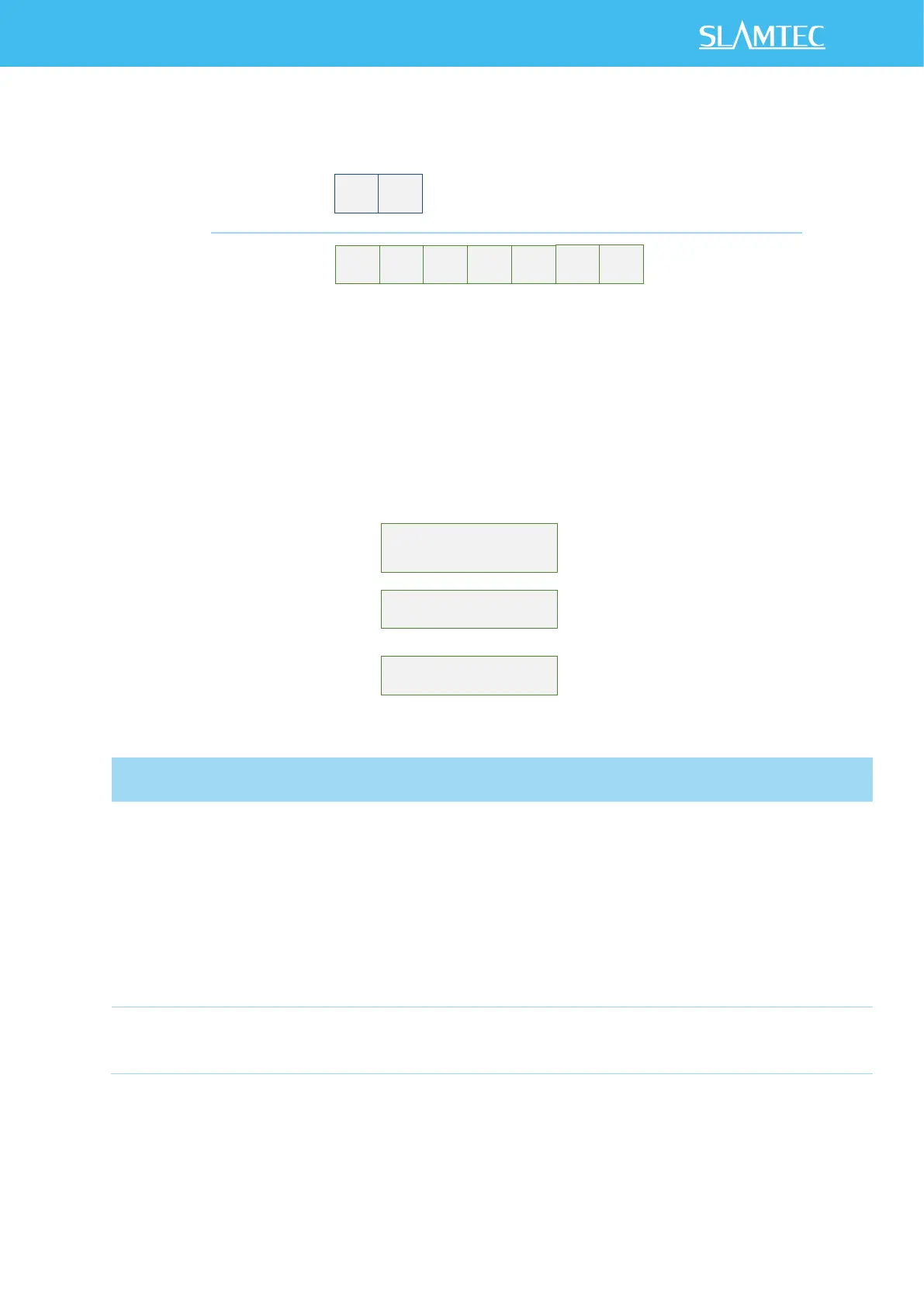
Figure 4-19 Format of a Device Health Data Response Packet
Figure 4-20 Field Definition of Device Health Status Data Response Packet
When a host system detects RPLIDAR has entered the Protection Stop state, it can
set a RESET request to let RPLIDAR core system reboot to escape the Protection
Value definition:
0: Good
1: Warning
2: Error
When the core system detects some potential risk that may
cause hardware failure in the future, the status value will be
set to Warning(1). But RPLIDAR can still work as normal.
When RPLIDAR is in the Protection Stop state, the status
value is set to Error(2).


 To Next Page