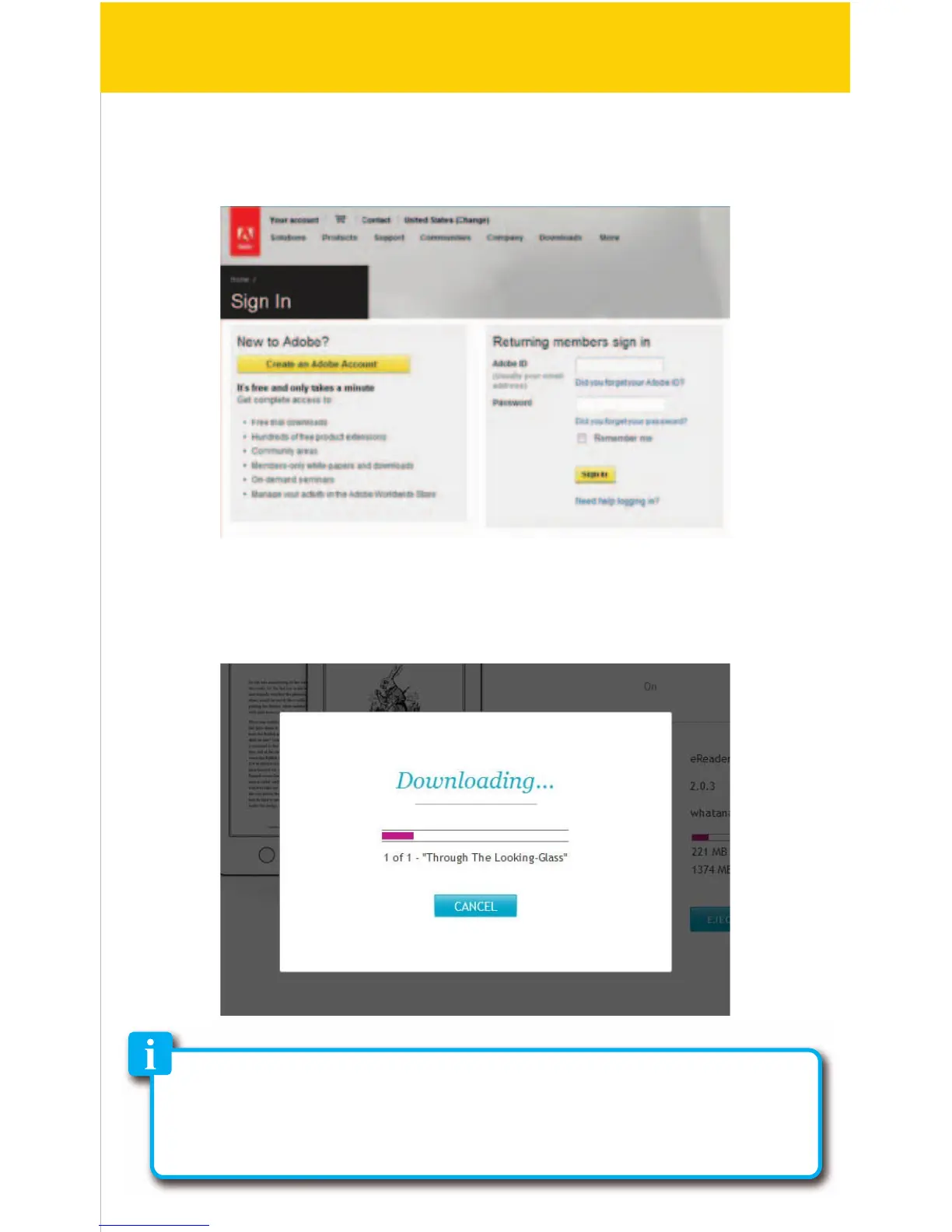
7. Follow the instructions to create an Adobe ID which will authorize your
computer to transfer books to the e-Reader.
8. The eBooks in your Library will be copied to the e-Reader.
Certain eBooks (depending on the le type or format) may not be able to
transfer to the e-Reader, in this case a pop up window will appear while
syncing the e-Reader which will alert you regarding this issue (these eBooks
may still be downloaded, synced and read on the Kobo Desktop App).
14/41


 To Next Page