Quick Reference
Exporting Your File as Other File Formats
Export files to share with colleagues who may not have Notebook
software installed on their computers. You may also want to
export your content to HTML for others to view on the Internet.
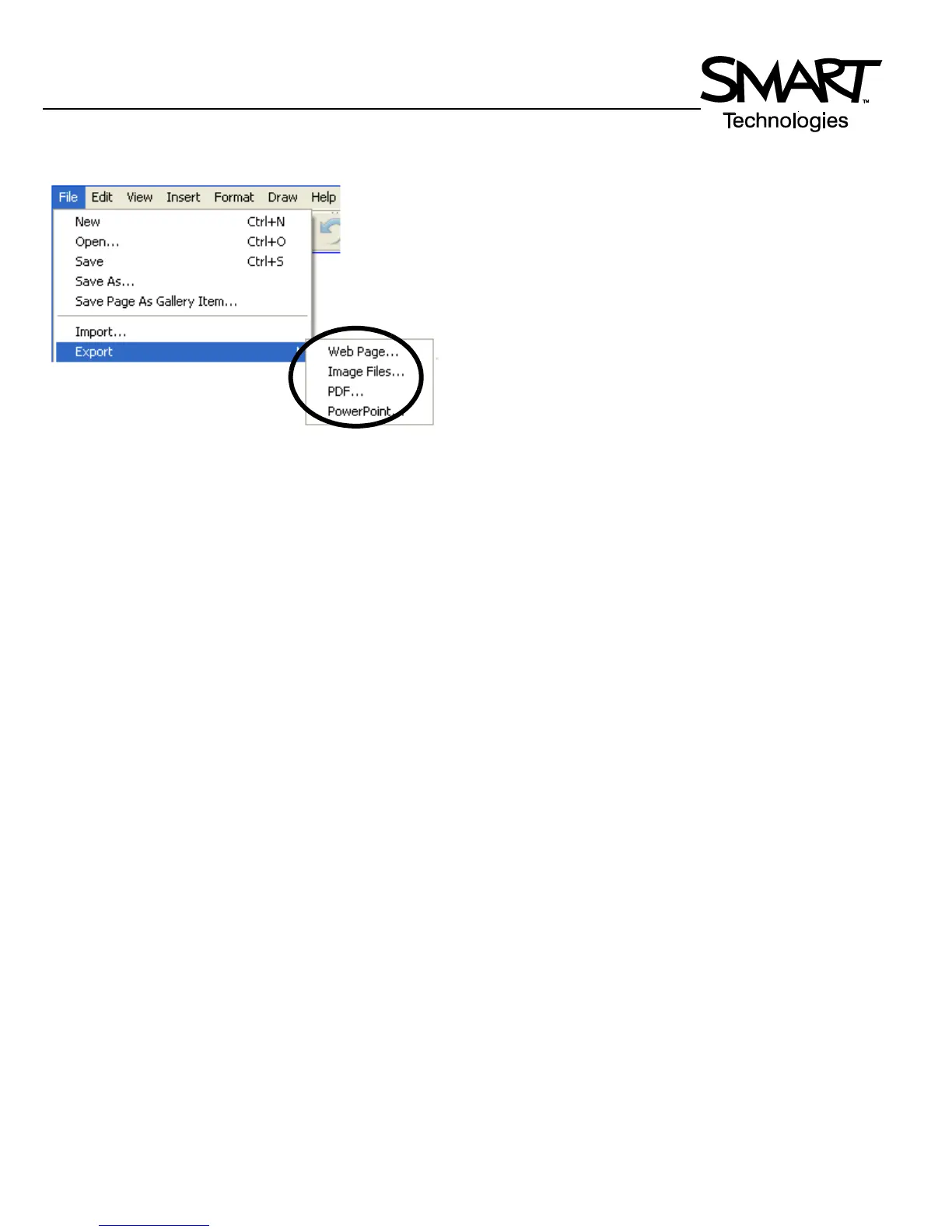
1 Select File > Export from the Notebook menu
2 Choose the file format to export your Notebook file to:
HTML, PDF, PowerPoint (PPT) or as a series of images
(e.g., JPEG, GIF, etc.)


 To Next Page