Installation Manual STR7202 TAG4 & SFM7704 TAG1
DBCI-0512-0052-V013
STR7202 2-Side Trimmer & SFM7704 Square Fold Module
5. Installation (continued)
Contents
5.2. Electrical Installation (continued)
5.2.6 Connecting SFM to STR (continued)
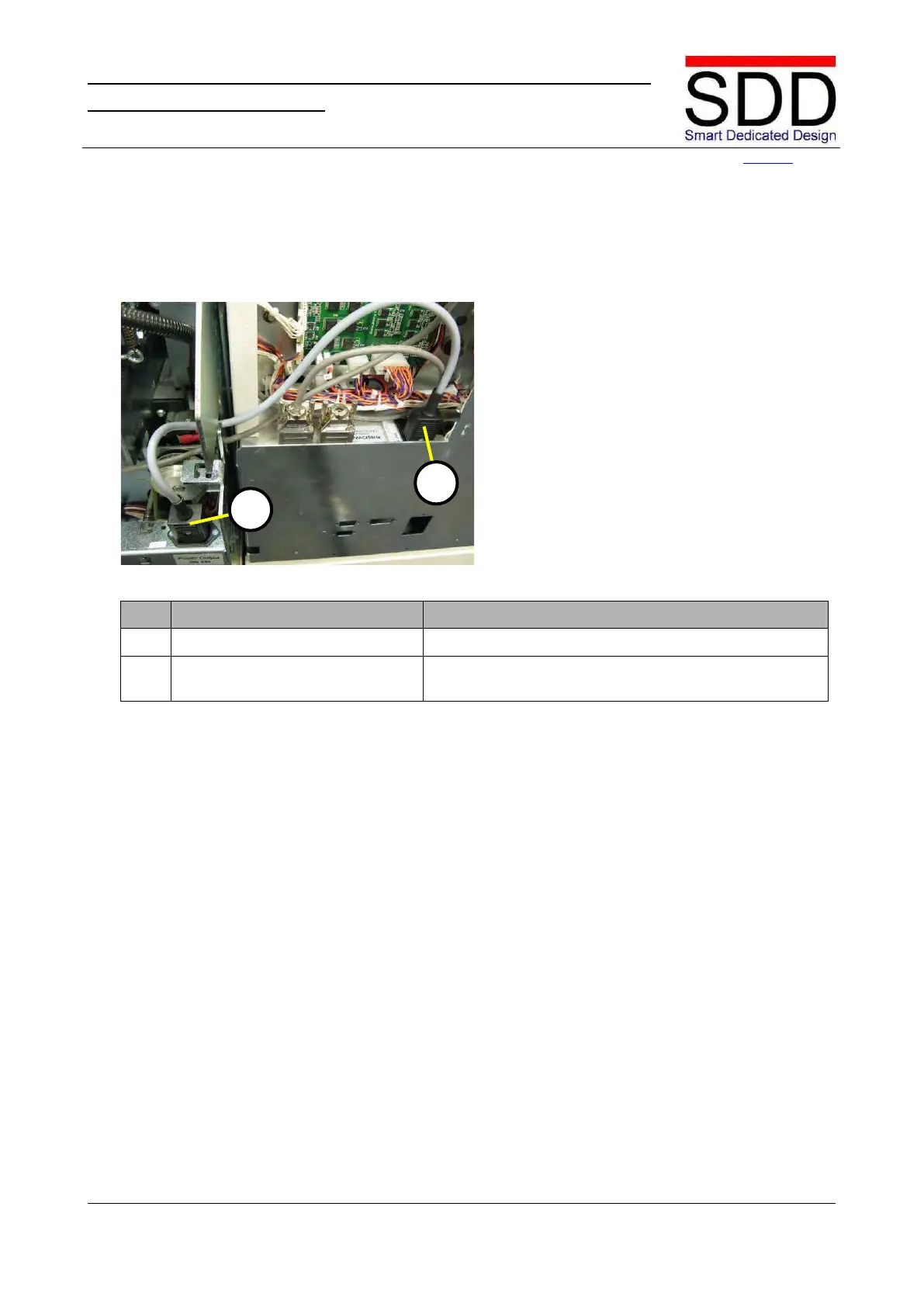
Fig. 5.2.6.5
Connect Power Cable in STR.
Connect the Power Cable [E] in the STR (Fig. 5.2.6.5).
4. Connect Power Cable in SFM. Lead the Power Cable from the STR into the SFM and
connect at [F]. (Fig. 5.2.6.5)



 To Next Page