11
To control the “dry contact” output, you must activate this feature
on the device's WEB interface in the “MQTT Server” section. The
output state is changed by publishing a control phrase to the
<device number> .SETOUT topic.
The service supports two control phrases for enabling and
disabling the output. Control phrases up to 15 characters long can
be changed on the device's WEB interface in the "MQTT Server"
section. By default, the phrase to turn on the output "1" is the phrase
to turn off the output "0". Relay control topics should be sent with
the RETAIN flag.
The device supports data transmission and dry contact output
control using the Message Queue Telemetry Transport (MQTT)
service.
You can activate the MQTT service on the WEB interface of the
device in the "MQTT Server" section.
If the fields "Username" and "Password" are left blank, then the
login to the server will be carried out without authorization.
Only non-encrypted connection to the MQTT server is supported.
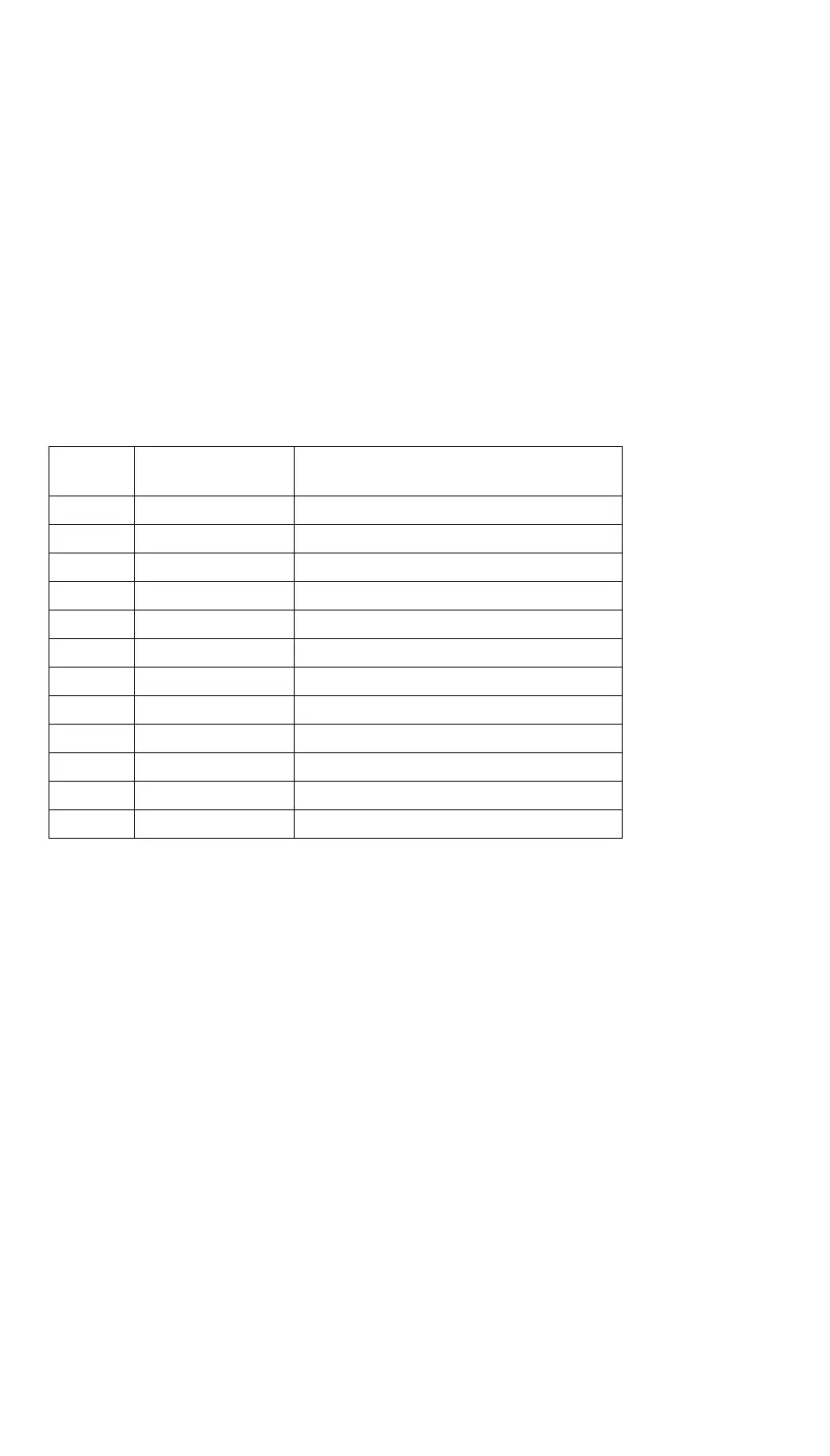
The device periodically publishes data in the format <device
number>. <Topic name> to the following topics:
n - phase number
(1-3)
* options
available in
extended device
version
Имя
топика
Данные Описание
V+n volts voltage, V
A+n amperes amperage, A
W+n watts active power, W
rW+n watts reverse * active power, rW
Wh+n watts * hour stored energy
rWh+n watts * hour reverse * accumulated energy
KWh+n kilowatts * hour stored energy
rKWh+n kilowatts * hour reverse * accumulated energy
PF+n PowerFactor Power factor
Temp °С / °F temperature
OUT 0-1 output state
JSON JSON format all data in JSON format
IX. MQTT SERVICE


 To Next Page