RESIDENTIAL 5-2 DAY PROGRAMMING MODE
12
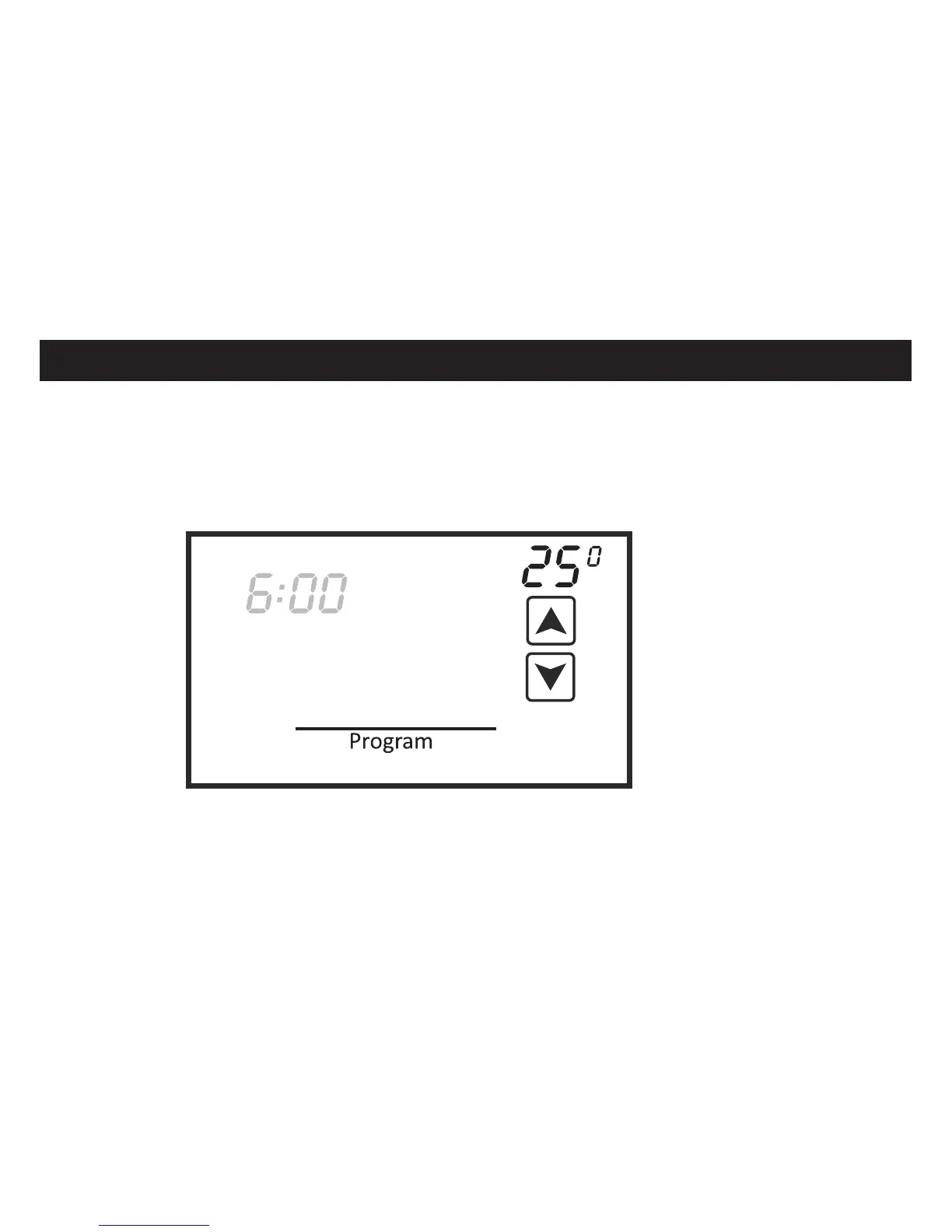
Touch the Program box again and the Morning Cool Set temperature will appear and flash.
Use the UP and DOWN arrows to change the cooling setpoint. Repeat the same steps for
the Day, Evening and Night programs. After the Night Cool Set temperature is confirmed,
touch the Program box again and Saturday and Sunday (Sat Sun) will flash. Repeat the
same steps for the Saturday and Sunday programs.
E
Mon Tue Wed Thu Fri
Night
Cool
Set













 To Next Page