BASIC FUNCTIONS
5
Heat
Heat Set
Day
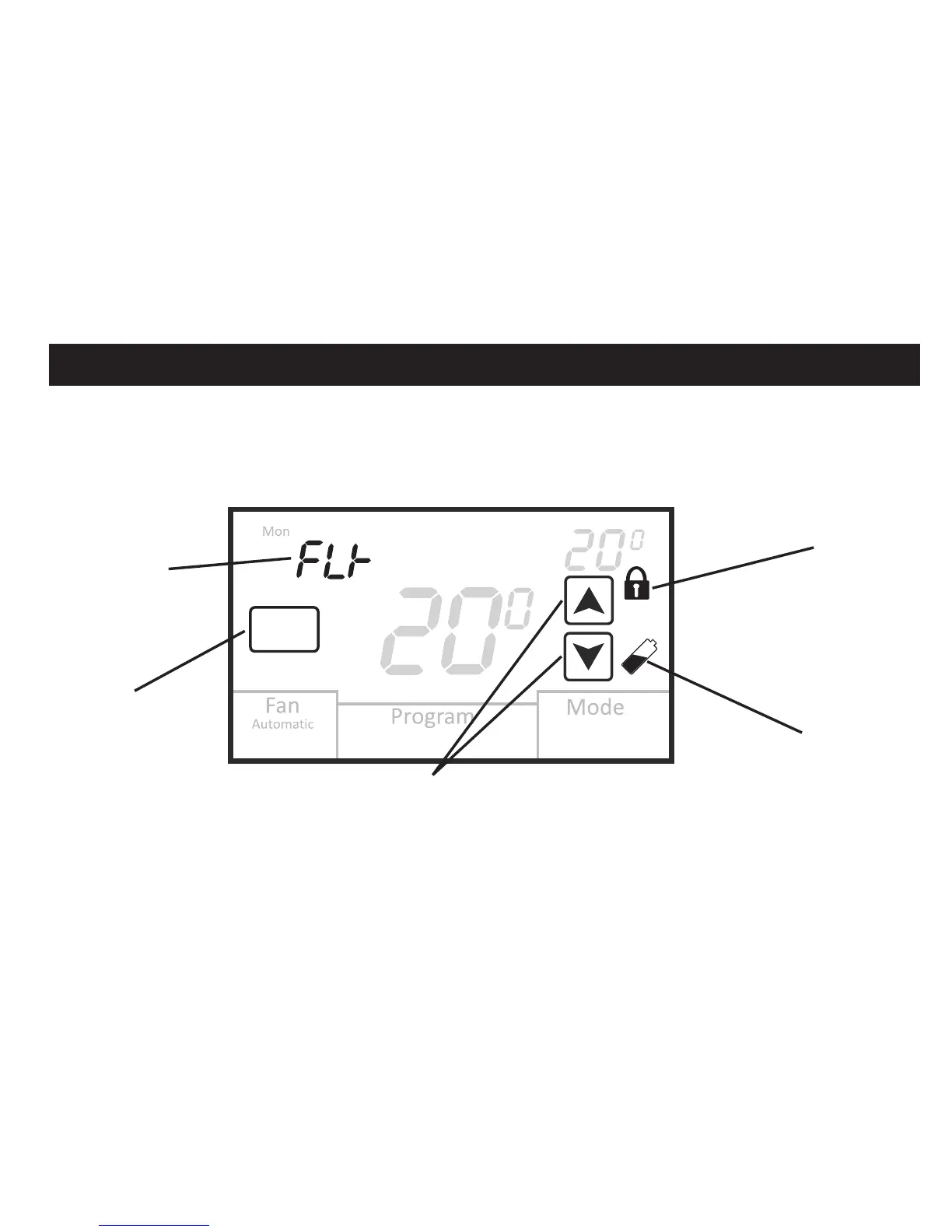
Some symbols and display functions are normally hidden from view until needed or may
not appear based on the thermostat configuration. Make sure your contractor configures
the 44-800 to suit your specific needs.
Clean
Screen
Locked
Clean Screen
Touching this button
when shown will lock
out all thermostat functions
for 30 seconds to
permit cleaning
the display screen
Up and Down Arrows
Used to set temperature,
time, day of week
and other values
Lock
Padlock symbol
indicates that the selected
function is prohibited or
the setpoint limit
has been reached
Battery
Shown when battery
needs to be replaced
Flt (Filter)
Optional filter reminder
alternates with
the current time













 To Next Page