RESIDENTIAL 5-2 DAY PROGRAMMING MODE
8
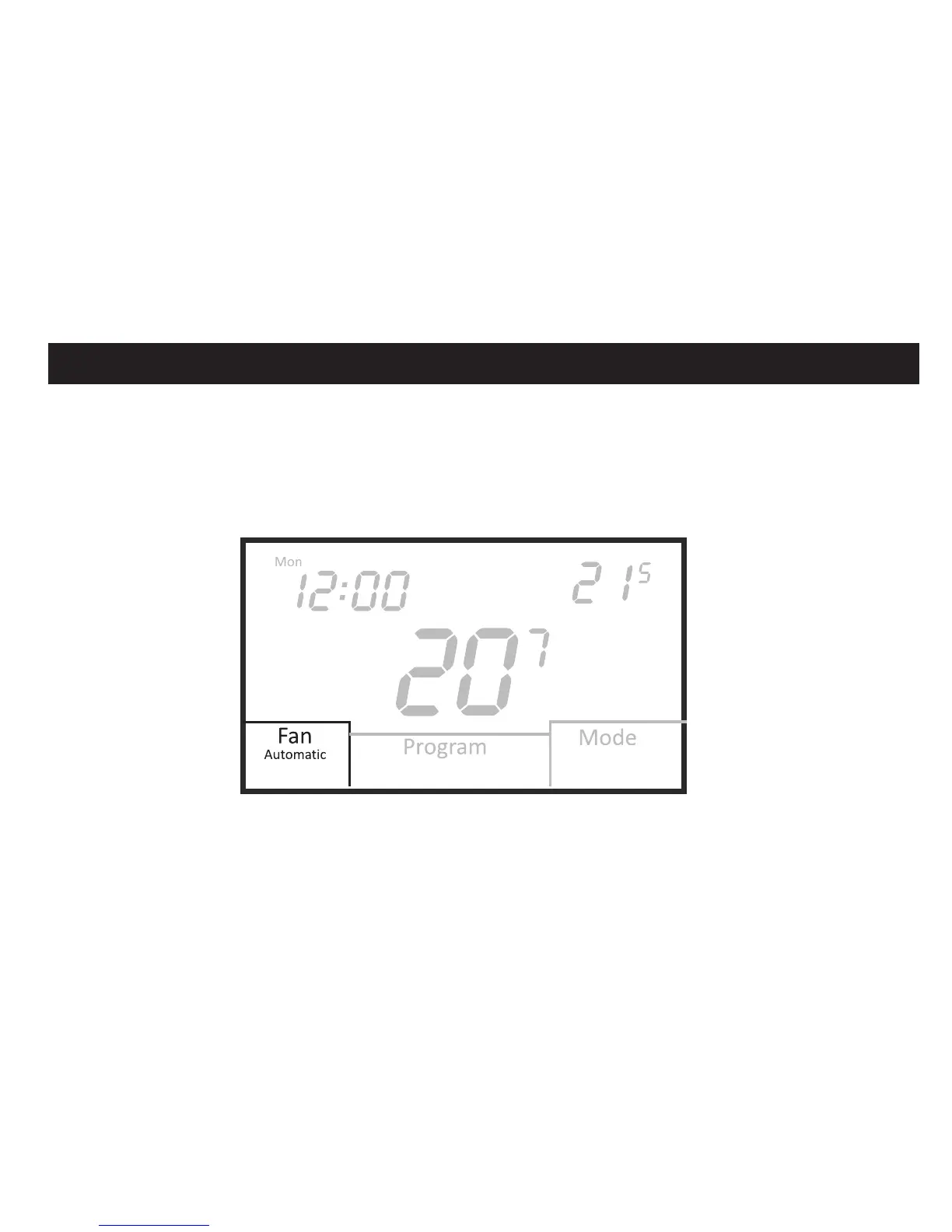
Fan selection
Touch the Fan box to select Automatic or Always On fan mode. In Automatic mode, the
fan operates with a heating or cooling call. If set to Always On, the fan will run continuously.
If the thermostat is turned Off while the fan is set to Always On, the fan will switch to
Automatic mode but can be set back to Always On for constant ventilation when the
thermostat is Off.
Heat
Heat Set
PM
Day
E













 To Next Page