COMMERCIAL PROGRAMMING MODE
26
Programming 2 daily events (7 Day or 5-2 Schedule)
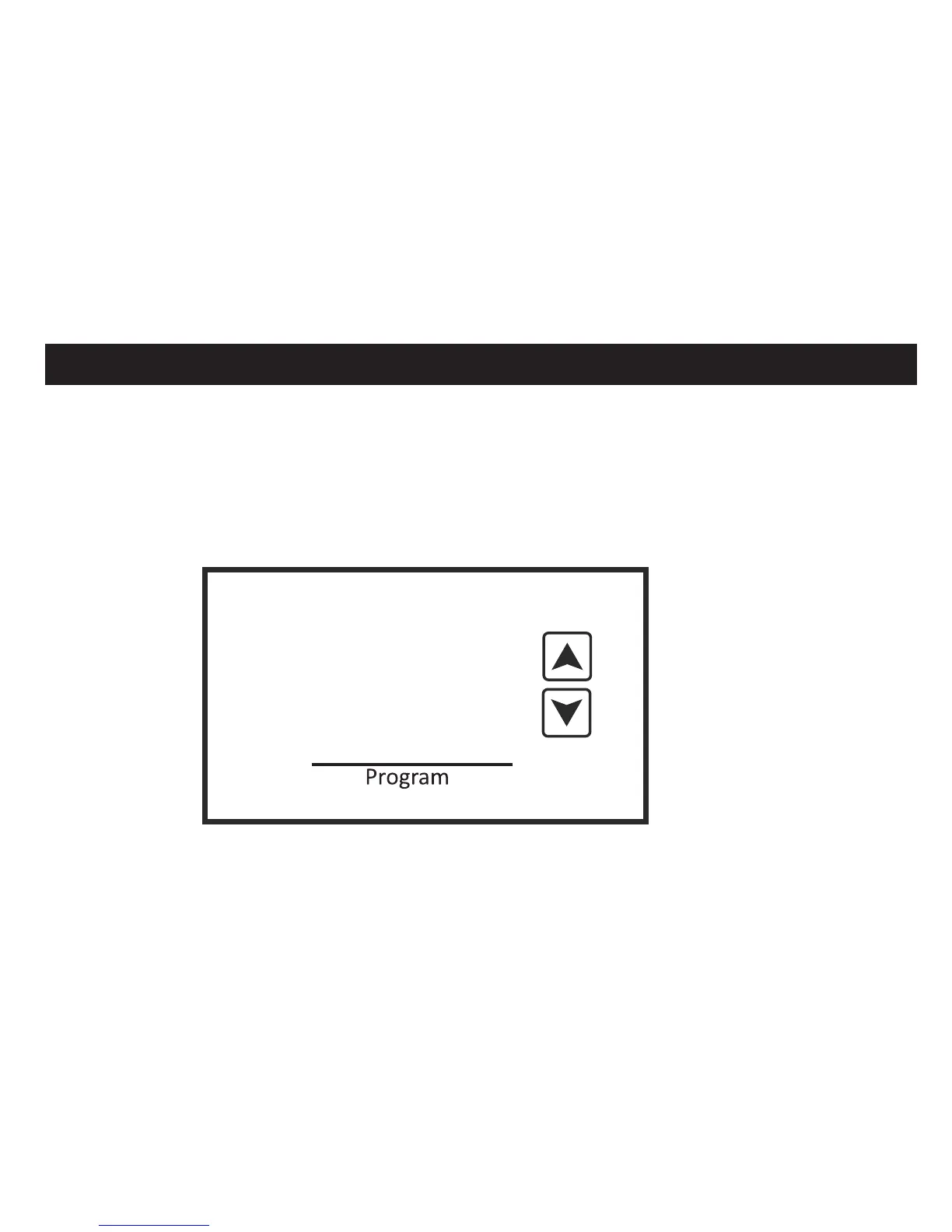
Touch and hold the Program box until the UP and DOWN arrows along with the flashing
days of the week appear. The program format starts with Monday for 7-Day programming
and Monday through Friday for 5-2 programming. You will now be able to program two
schedules per day (Day and Night) with individual heating and cooling setpoints for each
schedule. If the Programmable Fan option is ON, you may also program the fan operation
for each scheduled event.
E
Mon













 To Next Page